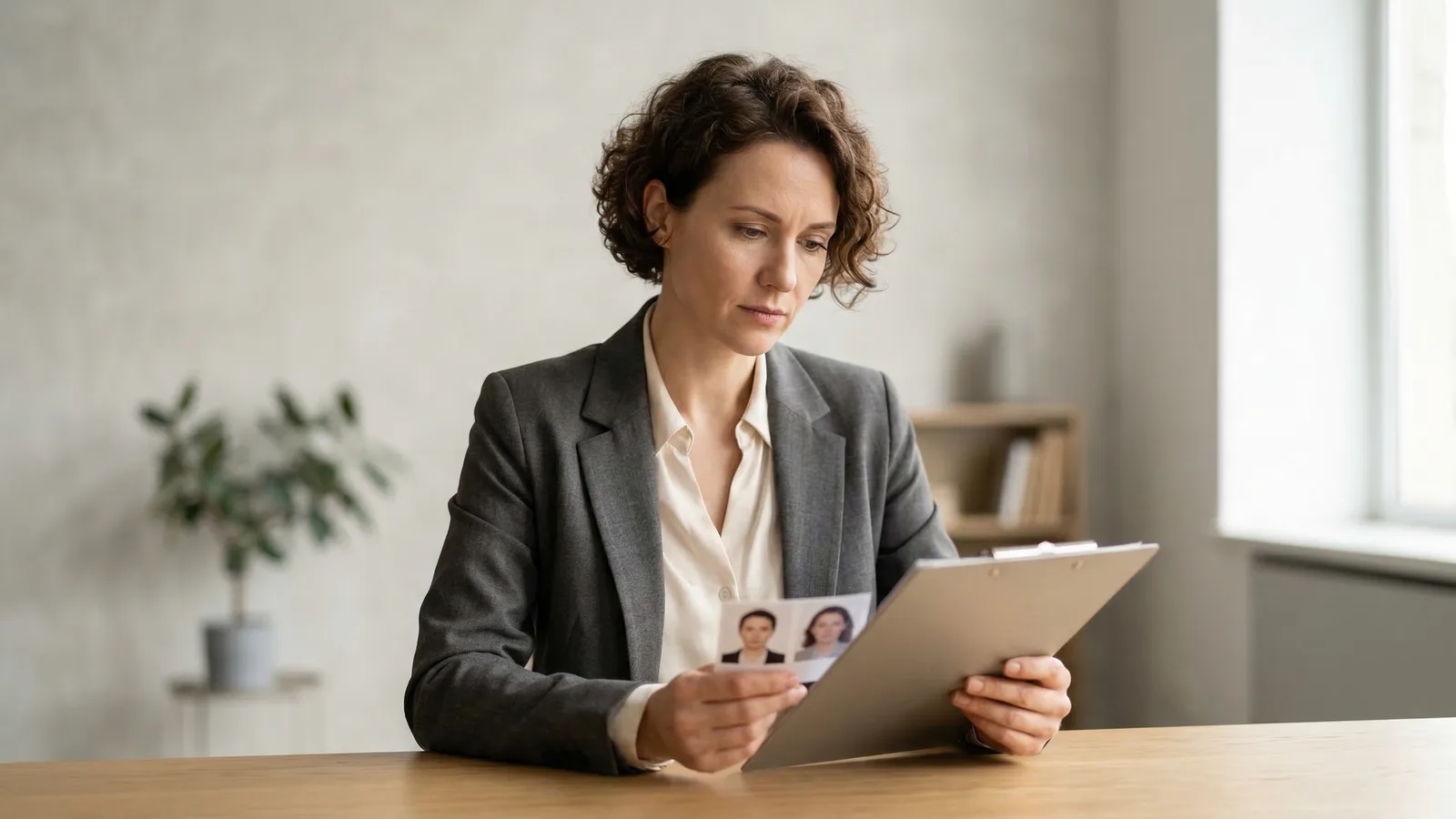
US visa photos and US passport photos have the same dimensions — 2×2 inches — but they're used differently. The visa photo uploads digitally to the DS-160 form. The passport photo submits as a physical print with your passport application. Understanding the difference prevents costly mistakes that delay your applications.
Both must meet exact specifications. Both require a plain white background. Both require a neutral expression or natural smile with both eyes open and visible. Both require even lighting with no shadows. No glasses are permitted in either type. But the similarities mostly end there. One is digital. One is physical. One goes online to a government website. One goes to a passport agency by mail or in person.
The confusion is understandable. They have the same dimensions. They're both for government ID purposes. But the submission process differs completely, and using the wrong format means starting over.
US Visa Photo vs Passport Photo: Side-by-Side Comparison
| Aspect | Visa Photo | Passport Photo |
|---|---|---|
| Dimensions | 2×2 inches (600×600 pixels) | 2×2 inches |
| Format | Digital JPEG file | Physical print |
| File size | 240KB maximum | N/A (physical paper) |
| Background | Plain white | Plain white |
| Submit via | ceac.state.gov (online) | Passport agency (mail/in-person) |
| Purpose | DS-160 visa application | Passport application/renewal |
| Quantity needed | 1 digital + 1 print for interview | 2-4 physical prints |
The critical difference is format. Visa photos exist as digital files. Passport photos exist as physical prints. This seems obvious, but many applicants confuse the requirements and show up to their visa interview with prints instead of digital files — or try to upload a printed photo to the DS-160 system.
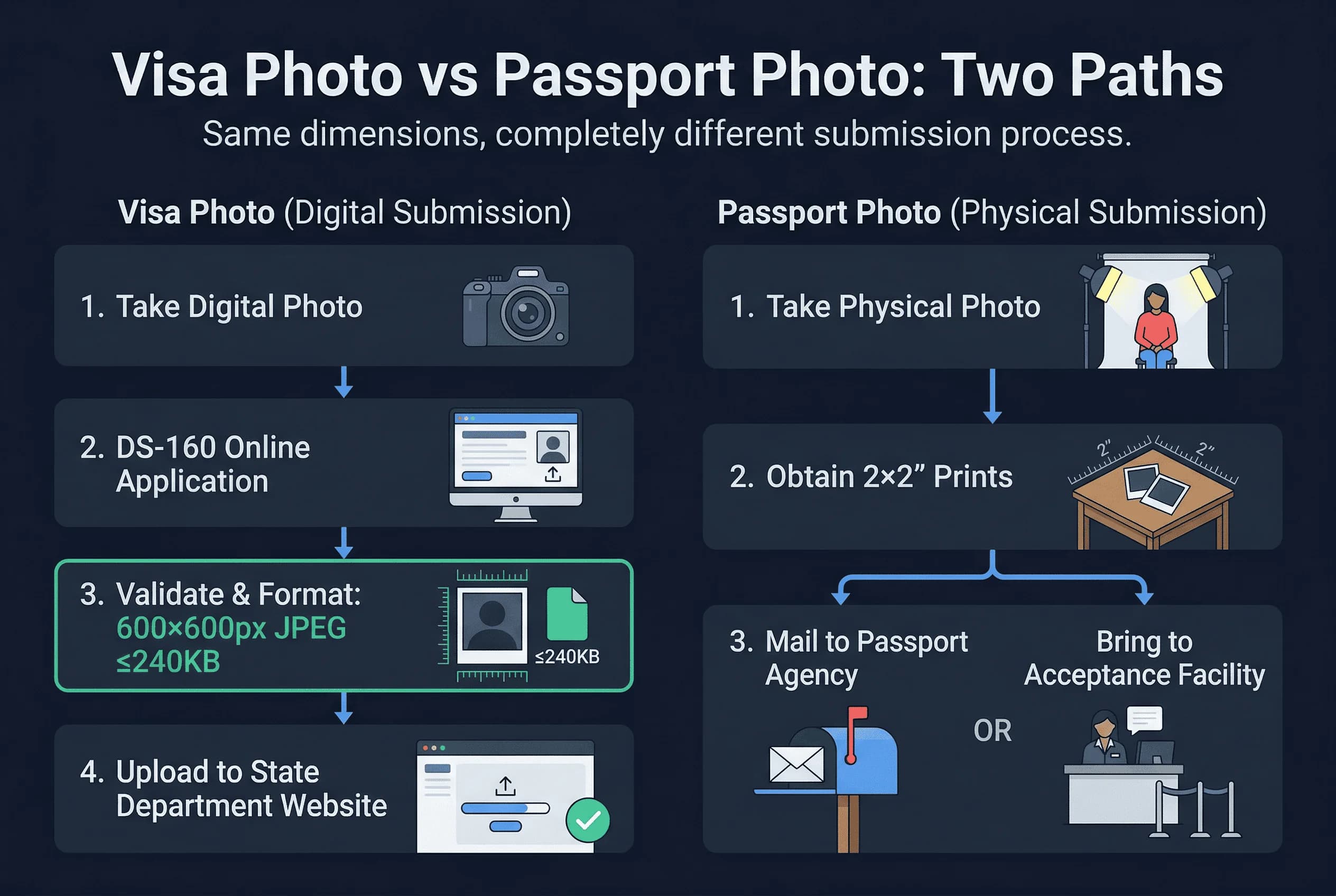
Another key difference: visa photos need only one print for your interview, while passport applications typically require multiple prints (usually two for standard processing, more for expedited service).
Get a compliant passport photo online
When Do You Need Both a Visa Photo and a Passport Photo?
If you're applying for a US visa AND renewing your US passport at the same time, you definitely need both types of photos. The requirements overlap but aren't identical.
For a visa application, you need a digital photo that uploads to the DS-160 form. This must be exactly 600×600 pixels in JPEG format under 240KB. You also need a physical 2×2 inch print to bring to your interview.
For a passport application, you need physical prints only. The specific number varies — typically two for standard processing, more for expedited service. These must be printed on quality photo paper with specific standards for color and clarity.
The smart approach: prepare your photos for each purpose separately. Don't assume one photo works for both. In most cases, you'll need distinct digital and print versions. This means taking your photo once and preparing two different deliverables.
Can You Use the Same Photo for a US Visa and Passport?
Yes, you can use the same source photo for both purposes. The same digital image can be resized for the DS-160 and printed for your passport application. But you must prepare each version correctly.
To create a visa-ready digital photo from your source: resize to exactly 600×600 pixels, save as JPEG under 240KB, verify specifications, and upload to the DS-160 system.
To create a passport print: resize to 2×2 inches at 300 DPI minimum, ensure proper color rendering, print on quality photo paper (matte or glossy, not plain copy paper), and verify even lighting and white background.
The most common mistake is assuming that a photo that's perfect for your passport automatically works for your visa. It might — but verify each requirement separately. A photo that looks perfect in print might not pass the automated DS-160 validation checks.
Common Mistakes with US Visa and Passport Photos
Understanding common mistakes helps you avoid them.
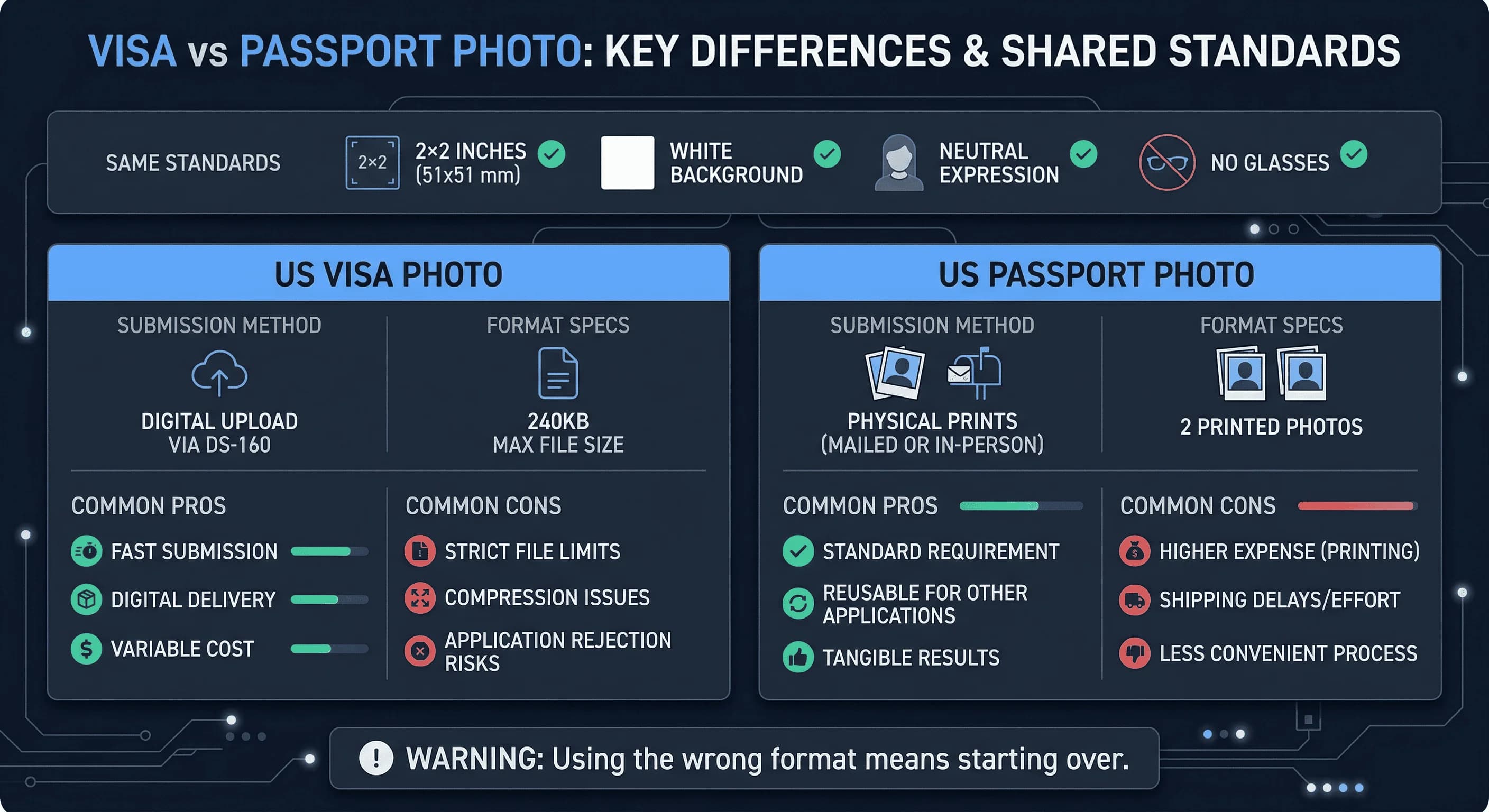
Bringing prints to a digital upload. The DS-160 doesn't accept physical photos. You must upload a digital file in JPEG format. Physical prints go to your interview, not to the online form. Many applicants show up at their interview without having successfully uploaded a digital photo first — this delays processing.
Wrong file size. Visa photos must be under 240KB. Many high-quality photos exceed this limit. Compress your JPEG before attempting upload. The DS-160 system rejects oversized files.
Wrong dimensions. Passport photos are 2×2 inches. Visa digital photos are 600×600 pixels. Both represent the same physical size, but the digital version must be exact. The system validates pixel dimensions precisely.
Non-white backgrounds. Both require white backgrounds. A photo with a gray, cream, or colored background fails both requirements. Use a truly white wall or edit the background.
Wrong paper for passport photos. Passport photos must be printed on photo paper. Plain copy paper or cardboard fails. The finish should be matte or glossy, not textured.
Old photos. Both visa and passport photos must be taken within the last six months. An old photo that represented your previous appearance — different hairstyle, weight, glasses you no longer wear — will be rejected. If you're applying for both a visa and passport, use the same recent photo session for both.
Compression artefacts. Sending your photo through messaging apps (WhatsApp, iMessage) before uploading to the DS-160 compresses the image and may introduce visible artefacts. Always upload the original file directly from your camera or photo service.
How to Get Your US Visa and Passport Photos Right
Whether you need a visa photo, a passport photo, or both, passportsize-photo.online has you covered. Upload any photo and get versions ready for both applications. Our passport photo checker verifies compliance for each use case. See our DS-160 photo requirements for detailed visa specifications.
When Do You Need Each Photo? Visa and Passport Photo Timeline
Understanding the timeline helps you prepare both photos efficiently.
For visa applications: You need the digital photo ready before you start the DS-160 form online. The form requires you to upload the photo as part of the application. You cannot submit the DS-160 without a valid photo upload. Then, separately, you need a physical print ready for your interview date — which could be weeks or months after your online submission.
For passport applications: If applying by mail (form DS-82 for renewals), include the physical prints in your mailed package. If applying in person at an acceptance facility (form DS-11 for first-time applicants), bring the prints with you. If using the online renewal system, you upload a digital file instead.
If doing both simultaneously: Take your photo once, save the high-resolution original, and prepare both deliverables from it. The digital version for the DS-160 needs to be exactly 600×600 pixels, JPEG format, under 240KB. The print version needs to be 2×2 inches on photo-quality paper. Both share the same compositional requirements: head occupying 50–69% of the frame, eyes at 56% from the bottom, white background, no glasses.
The most practical workflow: take one well-lit photo against a white wall, verify it with a passport photo checker, save the verified file, then produce both digital and print versions from that single source. This ensures consistency and avoids the risk of having slightly different photos on your visa and passport.
For detailed DS-160 specifications, see our DS-160 photo requirements guide. For country-specific visa rejection patterns, check our guides for India, Nigeria, or Philippines.