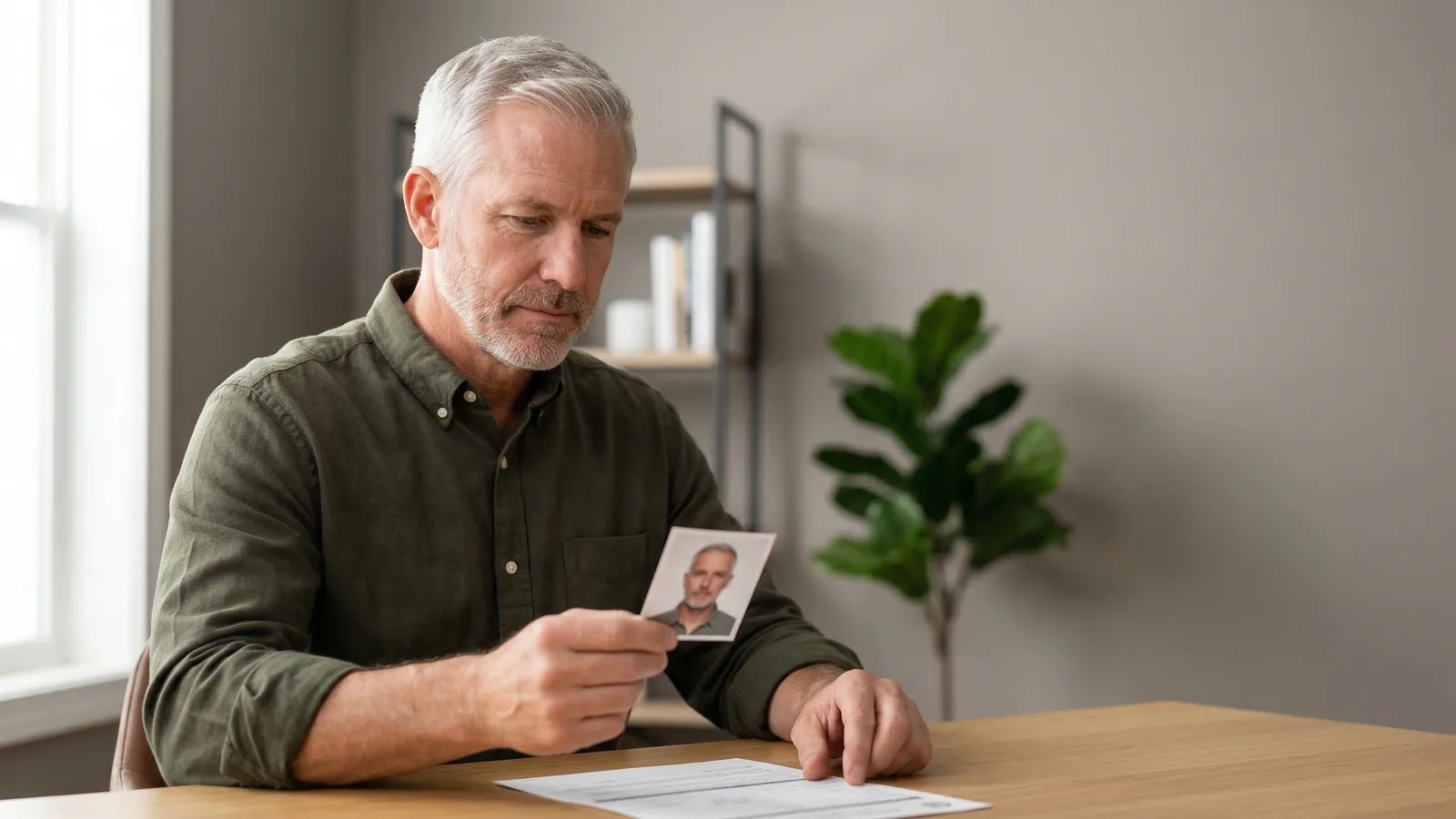
Veteran ID Card photos are 2×2 inches — the same size as a US passport photo. But the VA is slightly more flexible than the State Department: they accept a white or plain-colored background, and your photo can be up to 10 years old rather than the standard 6 months.
Those differences matter. If you have an older passport photo sitting around, it may still work for your VIC application. And if you're taking a new photo, you have more background options than the strict white-only rule that applies to passports.
Veteran ID Card (VIC) Photo Specifications
| Requirement | Specification |
|---|---|
| Print size | 2×2 inches (51×51mm) |
| Digital size | 600×600 pixels recommended |
| Background | White or plain color (not busy/patterned) |
| Head coverage | 50–69% of frame height (passport-style) |
| Expression | Natural, neutral or slight smile |
| Glasses | Not allowed |
| Photo age | Taken within the last 10 years |
| Eyes | Open, looking directly at camera |
| File formats | JPEG, PNG, BMP, TIFF |
| File size | 240 KB maximum |
| Submission | Digital upload only (no prints) |
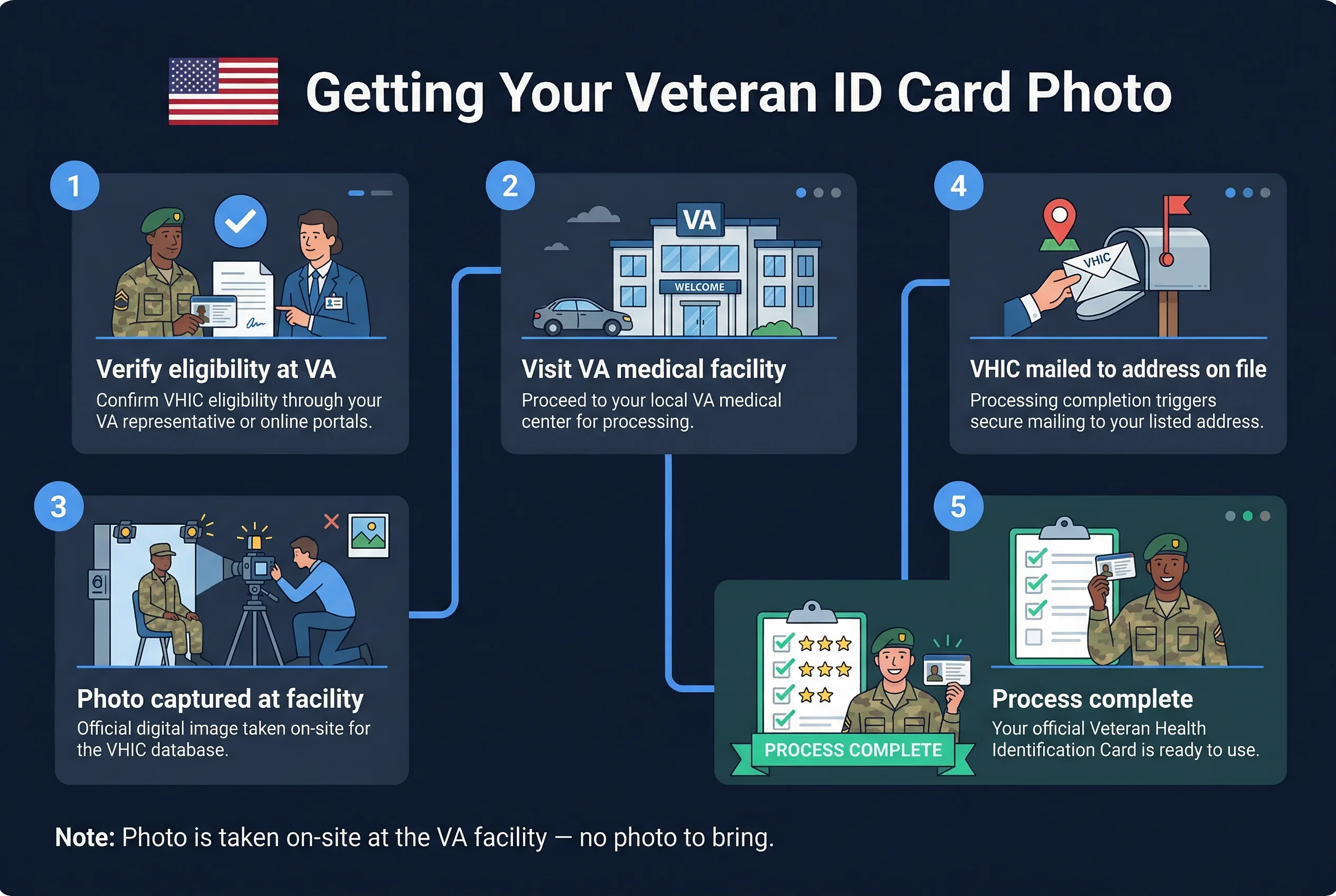
The VIC is a digital card — there is no physical card issued. Your veteran ID exists on your phone or computer and can be displayed from the VA.gov account. That's why the submission is upload-only.
Get a compliant passport photo online
Veteran ID Card Photo vs US Passport Photo
The two standards are close but not identical. Here's where they differ:
Background flexibility. Passport photos require pure white (RGB 255, 255, 255). The VA accepts any plain, non-patterned background — light blue, light gray, or similar solid colors are all acceptable. White remains the simplest and most reliable choice, but the VA won't reject a photo just because the background is light gray.
Photo age. The State Department requires photos taken within 6 months. The VA allows photos up to 10 years old. This is a significant difference. A veteran who had a professional headshot or passport photo taken a few years ago might be able to use that for their VIC application.
File formats. Passport photos submitted digitally are typically JPEG. The VA accepts JPEG, PNG, BMP, and TIFF — giving you more options if your photo is saved in a different format.
No prints needed. For passports you submit physical prints. For the VIC, everything is digital. There's no paper submission at all.
Where the two standards agree: 2×2 inches, no glasses, eyes open and looking at the camera, and a photo that clearly shows your full face from chin to forehead.
How to Upload Your Veteran ID Card Photo on VA.gov
The Veteran ID Card is issued through VA.gov and is available to eligible US veterans. The process:
- Sign in to VA.gov with your ID.me, Login.gov, DS Logon, or My HealtheVet credentials
- Go to the Veteran ID Card section
- Upload your photo (JPEG, PNG, BMP, or TIFF, ≤240 KB)
- Submit your application
The VA reviews your application and photo. If approved, your digital VIC is accessible through your VA.gov account. Processing typically takes up to 60 days after approval.
A few upload tips that prevent rejections:
- Make sure your face fills 50–69% of the image height, same as a passport photo
- Check file size before uploading — anything over 240 KB will be rejected by the system
- Plain background only; avoid photos with furniture, walls with artwork, or outdoor scenes visible behind you
- No sunglasses, no tinted lenses, no regular glasses
If your JPEG is over 240 KB, resize it to 600×600 pixels at standard compression. That will almost always bring it under the limit. Use the passportsize-photo.online checker to verify size and face positioning before you upload.
Who Is Eligible for a Veteran ID Card (VIC)?
The Veteran ID Card is available to veterans of all branches — Army, Navy, Air Force, Marine Corps, Coast Guard, and Space Force — who were discharged under conditions other than dishonorable. Specifically, your discharge must be one of the following:
- Honorable
- General (under honorable conditions)
- Other than honorable (in some cases)
Veterans with dishonorable or bad-conduct discharges are not eligible.
You'll need to verify your service record during the application. The VA cross-references the information you provide against Defense Department records. If there's a discrepancy in your service dates, discharge status, or branch information, expect a longer review period.
Active duty service members are not eligible for the VIC — it's specifically for veterans who have separated from service. Reserve and National Guard veterans who served on active duty for reasons other than training may also qualify; check VA eligibility criteria for your specific service history.
The Veteran ID Card Is Digital Only — No Physical Card
There is no physical plastic card. This surprises some veterans who expect a wallet-sized credential like a driver's license.
Your VIC exists digitally in your VA.gov account. You can display it on your phone at retailers, businesses, and organizations that offer veteran discounts. It is not a government-issued photo ID for identity verification purposes — it cannot be used for REAL ID compliance, passport applications, or TSA screening. Its purpose is specifically to provide proof of veteran status for discounts and recognition.
For identity documents that require proof of service, you'd typically use your DD-214 (Certificate of Release or Discharge from Active Duty) or a Common Access Card (for those still eligible).
If you want a US passport as your primary federal identity document — which most veterans eventually do — the photo requirements are nearly identical to the VIC, with the main differences being the stricter white background and the 6-month recency requirement.
Expression and Appearance Rules for VIC Photos
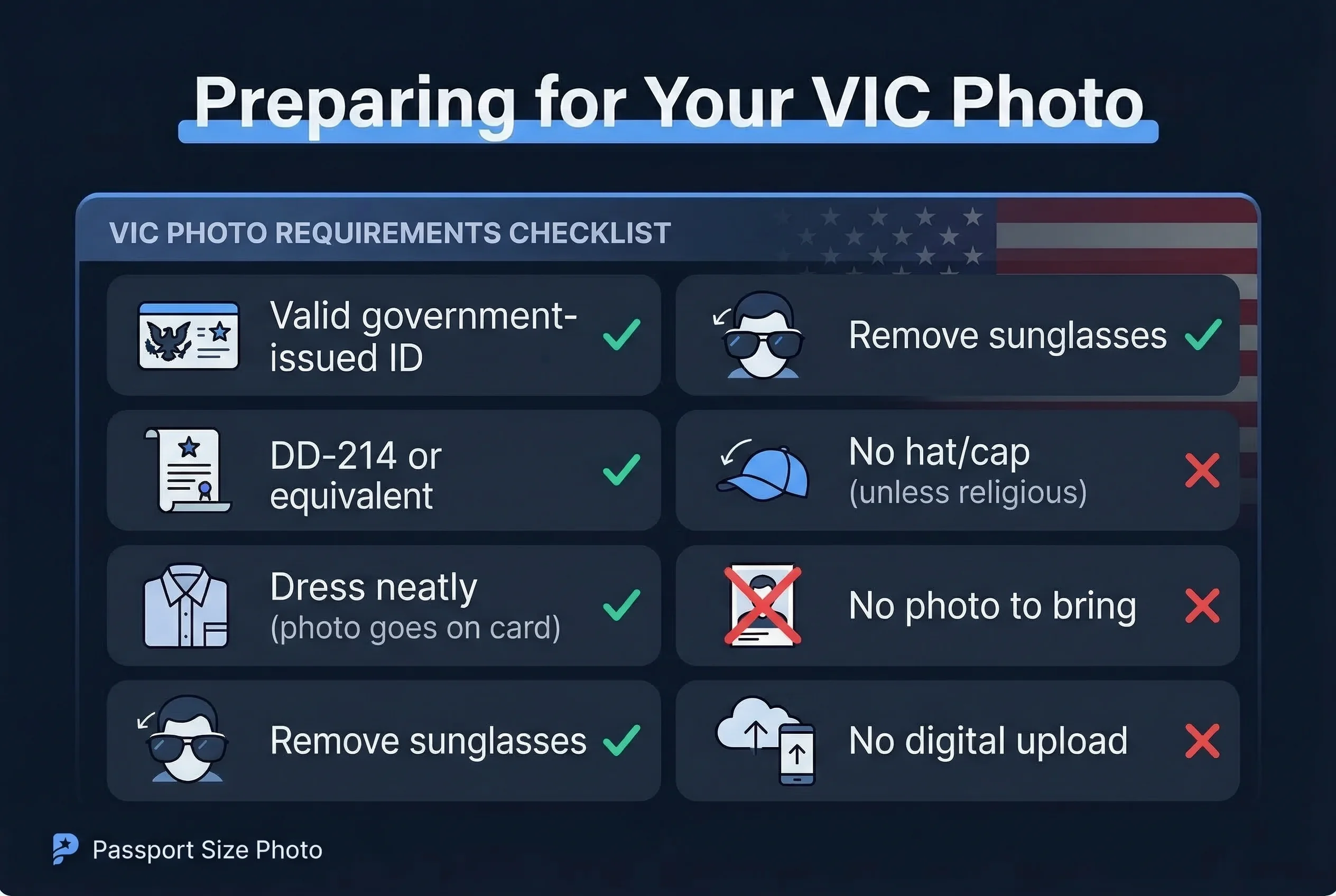
- Natural expression — neutral or slight smile; mouth may be slightly open
- Eyes open — both eyes fully visible, looking directly at the camera
- No glasses — all eyewear banned, including clear prescription lenses; this follows the same State Department policy used for passports
- Hair away from face — forehead and both eyes clearly visible
- Head coverings — permitted for religious or medical reasons; full face from chin to forehead must remain visible
- Clean, even lighting — no shadows on face or background
- Photo age — taken within the last 10 years (much more lenient than the passport's 6-month rule)
US Document Photo Comparison: VIC vs Passport vs Green Card
| Document | Size | Background | Glasses | Smile | Max Age |
|---|---|---|---|---|---|
| Veteran ID Card (VIC) | 2×2 in (51×51mm) | White or plain | Not allowed | Allowed | 10 years |
| US Passport | 2×2 in (51×51mm) | White only | Not allowed | Allowed | 6 months |
| Green Card (I-485) | 2×2 in (51×51mm) | White only | Not allowed | Allowed | 6 months |
| EAD (I-765) | 2×2 in (51×51mm) | White only | Not allowed | Allowed | 6 months |
| Naturalization (N-400) | 2×2 in (51×51mm) | White only | Not allowed | Allowed | 30 days |
All US photo-bearing documents use the 2×2 inch format and ban glasses. The VIC is the most lenient on background and photo age. The naturalization application is the strictest — photos must be within 30 days of filing.
Quick Checklist for Veteran ID Card Photos
- Size: 2×2 inches (51×51mm) / 600×600px recommended
- Background: white or plain solid colour
- Expression: natural, neutral or slight smile
- No glasses (any type)
- Photo taken within the last 10 years
- File format: JPEG, PNG, BMP, or TIFF
- File size: under 240KB
- VA.gov account set up (ID.me, Login.gov, DS Logon, or My HealtheVet)
- Discharge status verified as eligible