
Most countries require 300 DPI for passport photos. A few accept 200 DPI. None accept less than 150 DPI. The standard is nearly universal, but the specifics matter if you want to avoid rejection.
What Does DPI Mean for Passport Photos?
DPI stands for dots per inch. It's a measurement of print density — how many tiny dots of ink fill every linear inch of your printed photo. Higher DPI means more dots, which means sharper detail and smoother gradients.
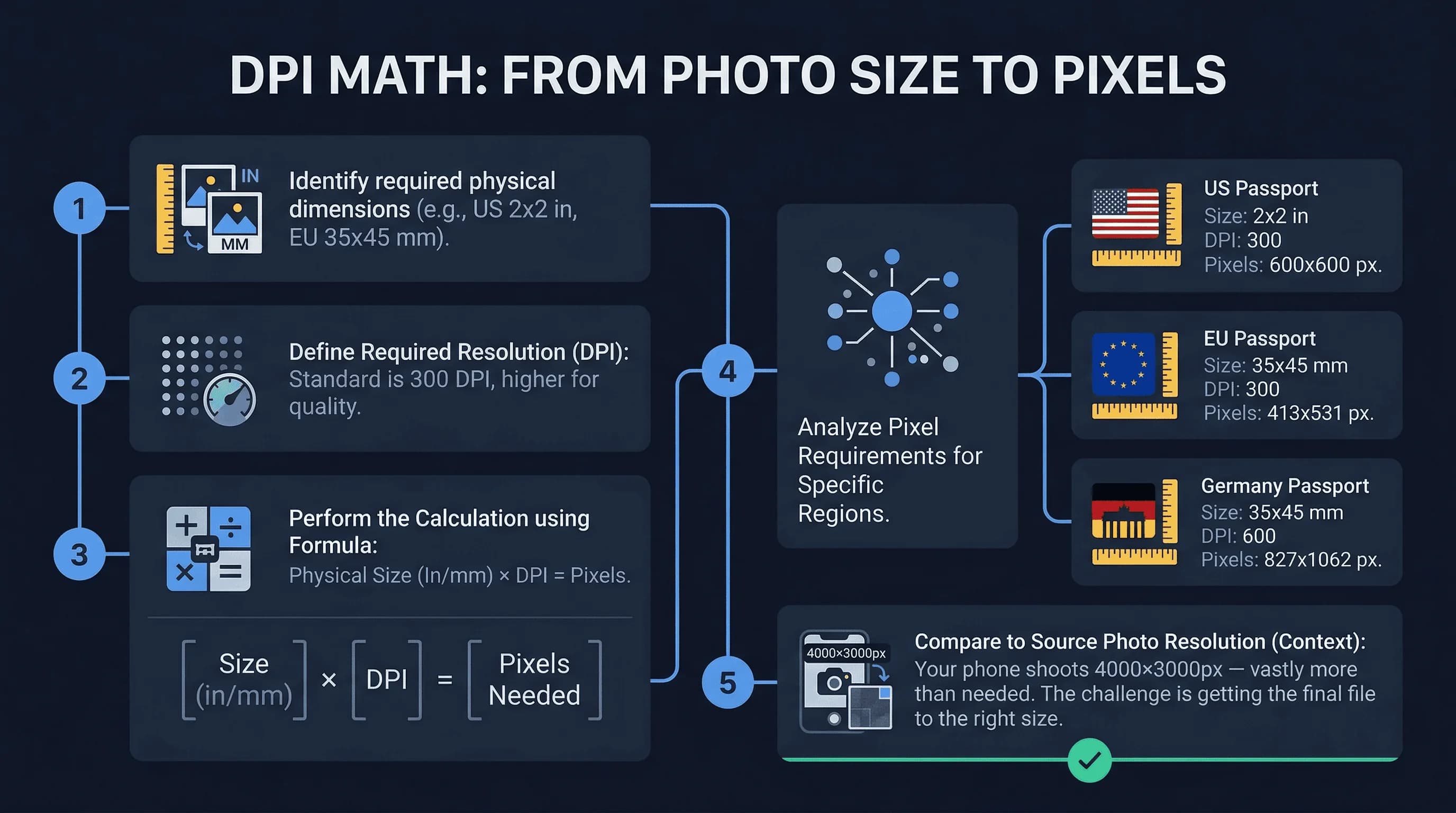
For a standard US 2×2 inch passport photo at 300 DPI, you need 600×600 pixels. That's straightforward: 2 inches × 300 dots per inch = 600 dots on each side. Multiply them together and you get 360,000 total pixels.
For a European 35×45mm photo, the math changes slightly because millimeters convert to inches. At 300 DPI, a 35×45mm photo needs approximately 413×531 pixels. Most software rounds this to 413×531 or 420×540 for clean export.
Here's the rule: your final printed image must hit these pixel counts at the target DPI. The issue is never about having too many pixels — modern smartphones produce images with 4000×3000 pixels or more, which is vastly more than needed. The challenge is ensuring your final file is the right size.
Get a compliant passport photo online
Passport Photo DPI Requirements by Country
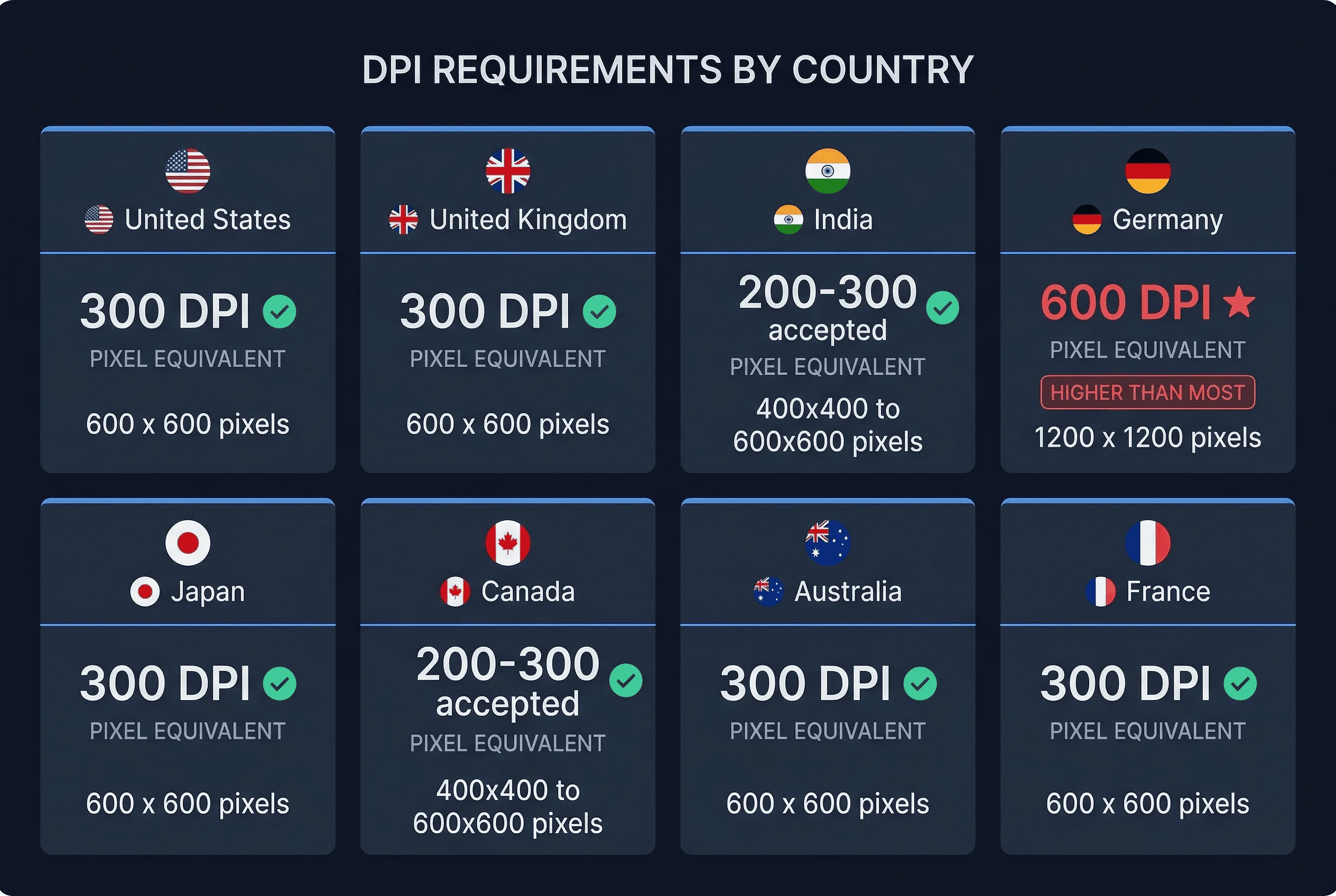
Different countries have different official requirements. Most follow the 300 DPI standard, but some deviate.
| Country | Minimum DPI | Notes |
|---|---|---|
| United States | 300 | Required for all passport and visa applications |
| United Kingdom | 300 | Photo must be 600×750 pixels minimum |
| India | 300 | Accepts both 200 and 300 DPI |
| Germany | 300 | Standard requirement; uses 35×45mm format |
| Japan | 300 | Standard requirement |
| Canada | 300 | Both 200 and 300 DPI accepted |
| Australia | 300 | Standard requirement |
| France | 300 | Standard requirement |
All 31 countries in our database use 300 DPI as the standard. Some earlier sources incorrectly claimed that Germany required 600 DPI, but our verified data shows Germany uses 35×45mm at 300 DPI, producing 413×531 pixels — the same standard as most European countries. If you encounter a claim of higher DPI requirements for any country, verify it against the official government source before resizing your photo.
DPI vs Pixels: How Resolution Affects Passport Photo Quality
Your phone shoots at a fixed pixel count. A typical iPhone produces photos at 4032×3024 pixels. That sounds impressive, but it doesn't automatically mean your passport photo will print sharply.
The confusion comes from mixing up two different measurements. Pixel count (like 4032×3024) describes the total image size. DPI describes how those pixels are distributed when printed. You can take the same 4000×3000 pixel image and print it at 72 DPI (making a huge poster) or at 300 DPI (making a small print). The pixel count stays the same either way.
For passport photos, the final printed size matters more than the starting pixel count. A 600×600 pixel image at 300 DPI produces a perfect 2×2 inch print. The same 600×600 pixel image at 72 DPI would print at 8×8 inches — but it would look blocky and terrible.
The issue is never having too few pixels. It's making sure your final file is set to the right pixel dimensions at the right DPI. If someone asks for 300 DPI, they actually mean "give me a file that's 600×600 pixels."
How to Check the DPI of Your Passport Photo
On Windows, right-click your image file and select Properties. Open the Details tab. Look for Horizontal and Vertical resolution — that's your DPI.
On Mac, right-click (or Control-click) the file and select Get Info. Expand the More Info section. You'll find DPI information listed as "resolution."
In image editing software like Photoshop, GIMP, or Preview, the DPI appears in the image size dialog. In Photoshop, press Ctrl+Alt+I (Cmd+Option+I on Mac). In GIMP, go to Image > Scale Image and look for the X and Y resolution fields.
Most online tools also display DPI when you upload a photo. The passportsize-photo.online passport photo checker shows your photo's resolution and warns you if it doesn't meet requirements.
Can You Increase the DPI of a Passport Photo?
This is one of the most common misconceptions. Setting your DPI higher in software doesn't improve image quality. You cannot make a blurry photo sharp by changing the DPI value.
Here's what happens when you "increase DPI" on a small image: the software keeps the same number of pixels but claims they're packed into a smaller space. Your 300×300 pixel image doesn't suddenly become high-resolution — it just has misleading metadata attached. When printed, it still looks blurry.
The only way to get a sharp passport photo is to start with a sharp photo. No amount of DPI manipulation fixes motion blur, poor lighting, or soft focus. If your original image isn't clear at its native resolution, reprinting it at a higher DPI won't help.
The practical takeaway: if your photo is under 600×600 pixels (for US 2×2 inch format), there's no way to print it at 300 DPI without scaling it up and losing quality. You need to retake the photo rather than trying to fix it in software.
Passport Photo DPI: Digital Uploads vs Printed Photos
For printed passport photos, DPI is critical. The physical print must be sharp, and 300 DPI is the minimum threshold for clear detail. A 600×600 pixel file printed at 300 DPI produces a 2×2 inch print. Print the same file at 150 DPI and you get a 4×4 inch print with visible pixelation.
For digital uploads (DS-160 visa applications, online passport renewals), DPI metadata is essentially irrelevant. Government upload systems check pixel dimensions and file size, not DPI tags. A 600×600 pixel JPEG will be accepted whether its DPI metadata says 72, 150, or 300. The system reads the raw pixel count, not what the file claims its print size should be.
This distinction matters because many people obsess over setting the DPI tag to exactly 300 before uploading digitally. Don't waste time on this. For digital submissions, the only numbers that matter are:
- Pixel dimensions (600×600 for US, 413×531 for UK, etc.)
- File format (JPEG in most cases)
- File size (under 240KB for DS-160)
DPI only becomes relevant when you physically print the photo on paper. For everything digital, focus on pixels.
Passport Photo Pixel Dimensions by Country (Quick Reference)
| Country | Photo Size | Pixels at 300 DPI |
|---|---|---|
| US | 2×2 inches (51×51mm) | 600×600 |
| UK | 35×45mm | 413×531 |
| Canada | 50×70mm | 591×827 |
| India | 35×35mm | 413×413 |
| China | 33×48mm | 390×567 |
| Most European | 35×45mm | 413×531 |
All at 300 DPI. No country in our database requires a different DPI standard.
Understanding DPI isn't complicated once you realize it's just a simple calculation: final size in inches times required DPI equals required pixels. Use the passportsize-photo.online tool to verify your photos meet the pixel requirements for your target country. For more on sizing, see our guide to passport photo dimensions.