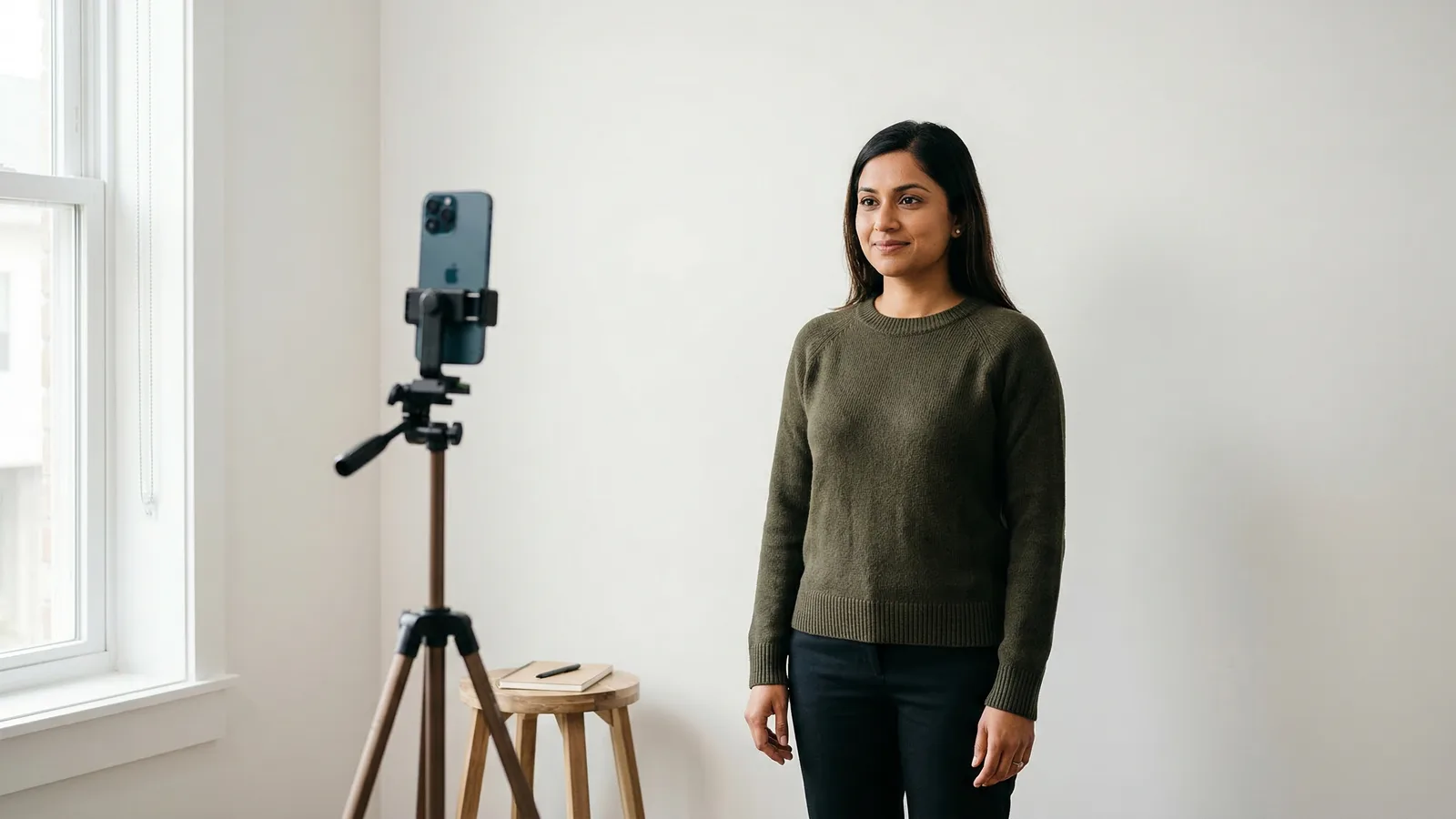
Every passport photo requires a plain white background. This is non-negotiable—countries reject photos with colored, patterned, or insufficiently white backgrounds. The good news is you can create a compliant white background at home for $0-5.
Here's the ranking of options from best to "probably fine," with tips on lighting to make any background look perfectly white.
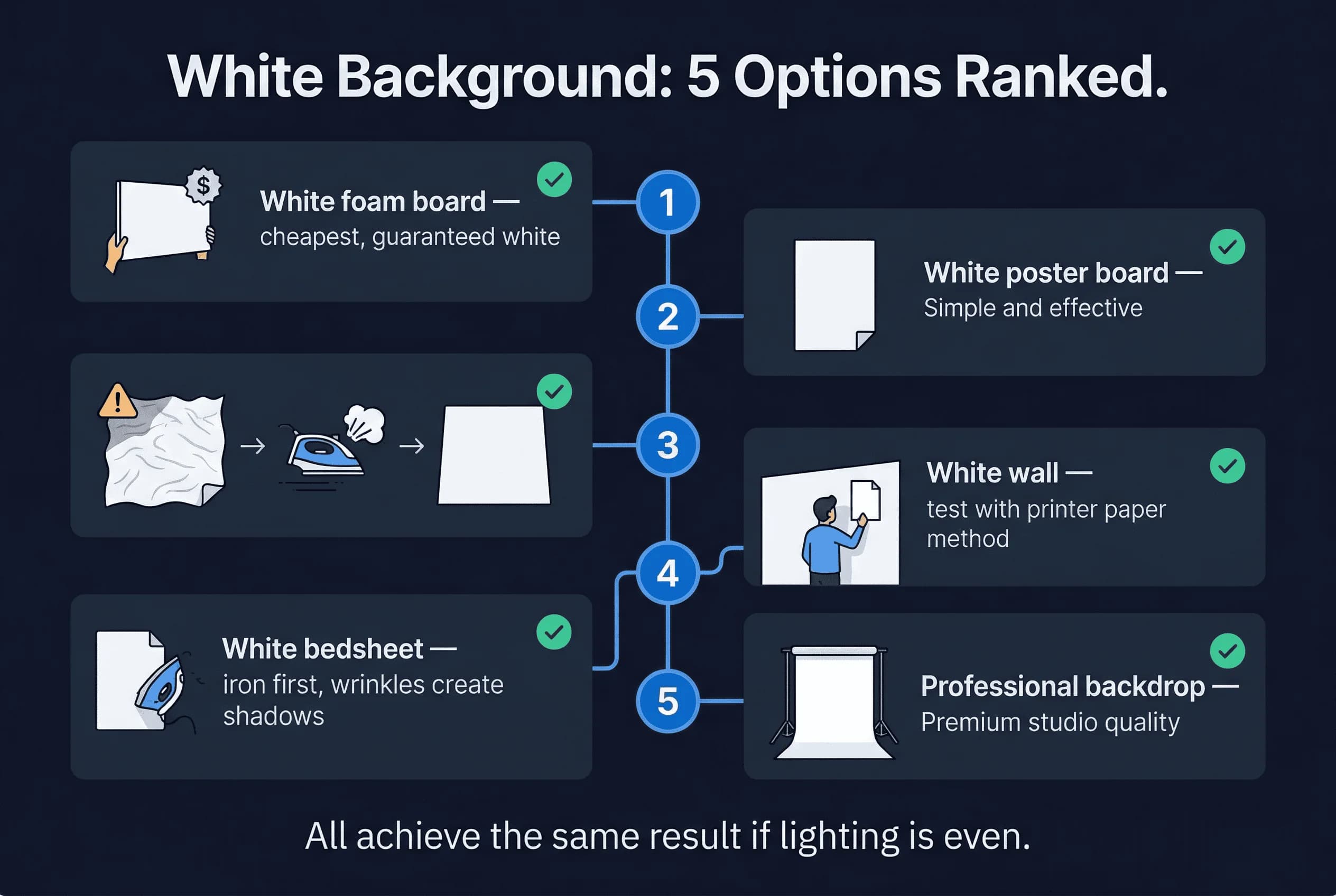
Option 1: White Poster Board ($3-5)
This is the best option for most people. White poster board from any office supply store is consistently white, affordable, and easy to set up.
How to use it
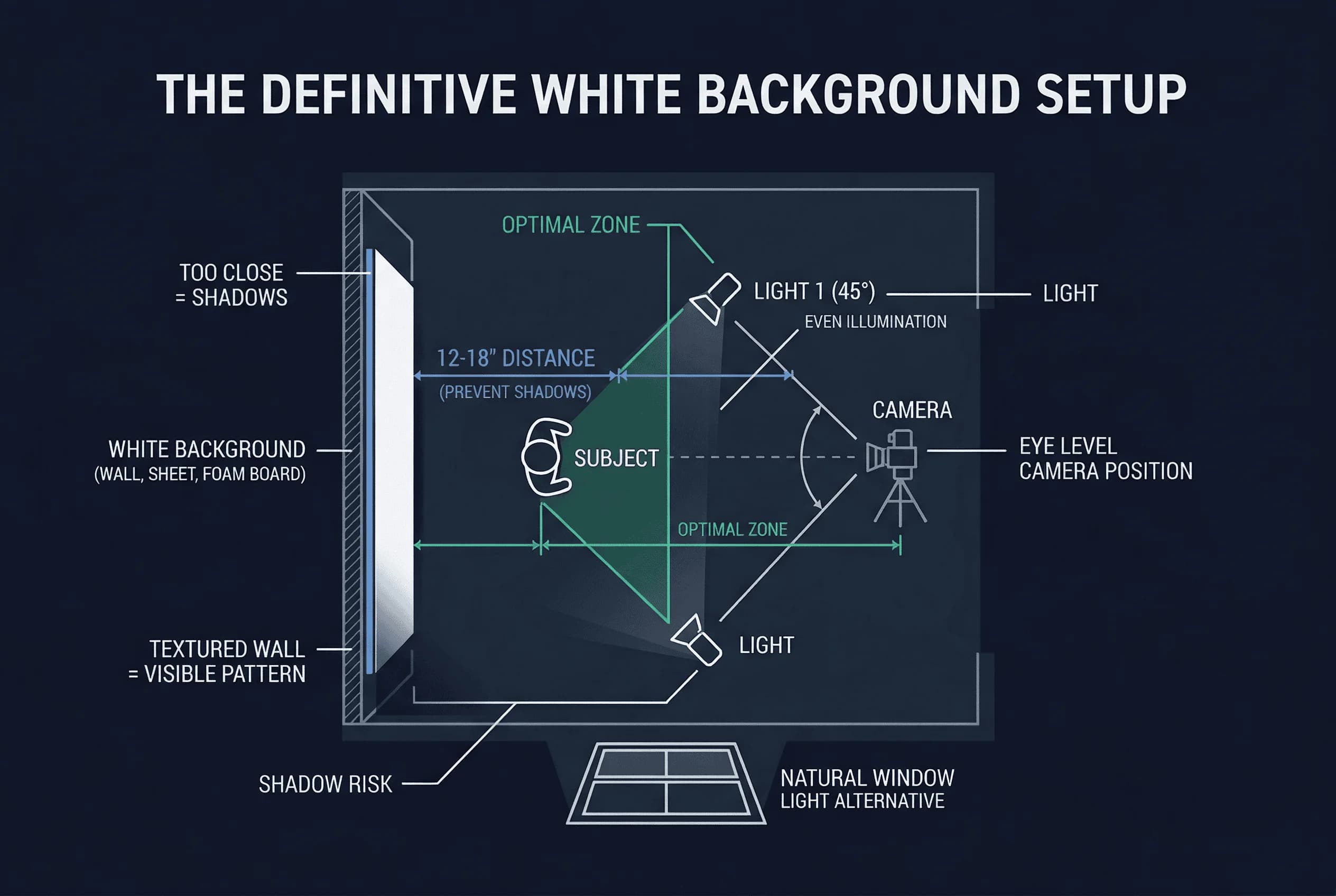
- Prop a large (22×28 inch) white poster board against a wall or have someone hold it behind you.
- Make sure it's large enough to extend well beyond your shoulders on all sides.
- Ensure even lighting on the board with no shadows.
Why it works
- Poster board reflects light evenly, creating a pure white appearance.
- It's stiff, so it doesn't wrinkle.
- The white is calibrated—it's specifically designed to be white.
Get a compliant passport photo online
Option 2: White Bed Sheet (Free)
If you already have a white bedsheet, you can use it. It's free and works if you handle it correctly.
How to use it
- Iron or steam the sheet to remove all wrinkles. Wrinkles cast shadows and get photos rejected.
- Hang the sheet flat against a wall or have someone hold it taut behind you.
- Use plenty of light to minimize shadows in the fabric.
Pros
- Free if you already have one
- Large enough for full-body shots if needed
- Portable
Cons
- Wrinkles are a constant battle
- Must be truly white, not off-white or cream
Option 3: White Wall Background (Free)
Many walls look white but aren't actually white enough for passport photos. This option requires checking.
How to use it
- Find a wall in your home that appears white.
- Hold up a piece of white paper next to the wall. Compare them. If the wall looks cream, gray, or yellow, it won't work.
- Use strong, even lighting to minimize any color cast.
The problem
- Most "white" walls are actually off-white, cream, or light beige.
- Paint color names are misleading—"White Dove" or "Swiss Coffee" often look anything but white.
- Even properly white walls can have shadows from nearby furniture or windows.
Option 4: White Shower Curtain (Surprisingly Good)
White polyester shower curtains are an underappreciated option.
Why they work
- Polyester doesn't wrinkle easily.
- The white is usually genuinely white, not cream.
- They're large, inexpensive, and easy to find.
How to use it
- Hang the shower curtain on a curtain rod or have someone hold it behind you.
- The polyester material reflects light evenly.
How to Check If Your White Is White Enough
Before you take your photo, verify your background is truly white:
-
Compare to a known white object. Hold a piece of white printer paper next to your background. If the background looks darker, cream, or yellow, it's not white enough.
-
Take a test photo. Snap a picture of just the background and look at it on your phone. If it looks anything less than pure white, fix it.
-
Check the histogram (advanced). If you have editing software, look at the RGB values. Pure white is R:255, G:255, B:255. Your background should be at least 230+ in all channels.
Lighting Your Passport Photo Background
Lighting is what makes a background look white. Even a perfect white sheet looks gray if the lighting is bad.
Best: Overcast daylight from a window
- Position your white background near a large window.
- The soft, diffused daylight illuminates the background evenly.
- No harsh shadows.
Second best: Two lamps on either side
- Place a bright lamp on each side of the background, angled toward it.
- This eliminates shadows and creates even illumination.
Worst: Single overhead light
- Creates shadows in corners and behind your head.
- The background won't look evenly white.
Common Passport Photo Background Mistakes
Cream instead of white. This is the #1 mistake. Many homes don't have truly white walls or sheets. Test with printer paper before committing.
Wrinkled sheets. Every wrinkle creates a visible shadow in your photo. Iron thoroughly or use poster board instead.
Shadows on the background. Caused by uneven lighting or standing too close to the background. Move the background further away or improve your lighting setup.
Not enough background. Your shoulders and edges of the photo need white space. Make sure the background extends well beyond the frame.
Patterns or textures. Never use a textured wall, patterned fabric, or anything other than plain white.
Country-Specific Passport Photo Background Rules
Some countries are more strict than others:
- United States — Requires "plain white or off-white background." Off-white is technically allowed, but plain white is safer.
- United Kingdom — Requires "plain light grey" (approximately RGB 230,230,230). Pure white backgrounds are rejected. This is one of the most common mistakes for UK applicants.
- Germany — Also requires light grey (RGB 230,230,230), not white. Same as the UK.
- Canada — Requires white background.
- Most other countries — Require white. The UK and Germany are the only two of 31 countries in our database that require non-white backgrounds.
When in doubt, go whiter than you think you need.
How to Verify Your DIY Passport Photo Background
After setting up your background, take a test photo of just the background (without yourself in it). Upload it to passportsize-photo.online's free passport photo checker to verify the background meets requirements for your destination country.
Creating a Light Grey Background for UK and Germany
If you're applying for a UK or German passport, you need a light grey background — not white. This is harder to DIY because you can't just use a white wall.
Option 1: Grey poster board. Buy a light grey poster board from a craft shop. Look for a shade that's clearly not white but not dark grey either — about 90% brightness (close to RGB 230,230,230). Hold it up to a white sheet of paper; it should look noticeably different but still light.
Option 2: Light grey fabric. A light grey bedsheet or cotton fabric backdrop works well. Iron it flat and hang it taut. Ensure even lighting so the grey appears uniform across the frame.
Option 3: Edit the background digitally. Start with a white background photo and use our passport photo checker to adjust the background to the correct shade. This is the most precise method since the tool produces the exact RGB value required.
Avoid medium or dark grey — the background should be clearly light. If it looks closer to concrete than to off-white, it's too dark. When in doubt, err on the lighter side.
A proper white background doesn't have to cost much. A $3 white poster board is the easiest path to compliance. If you're in Germany or another EU country, verify the specific requirements before taking your final photo. With good lighting and a truly white background, you'll get a compliant passport photo every time.