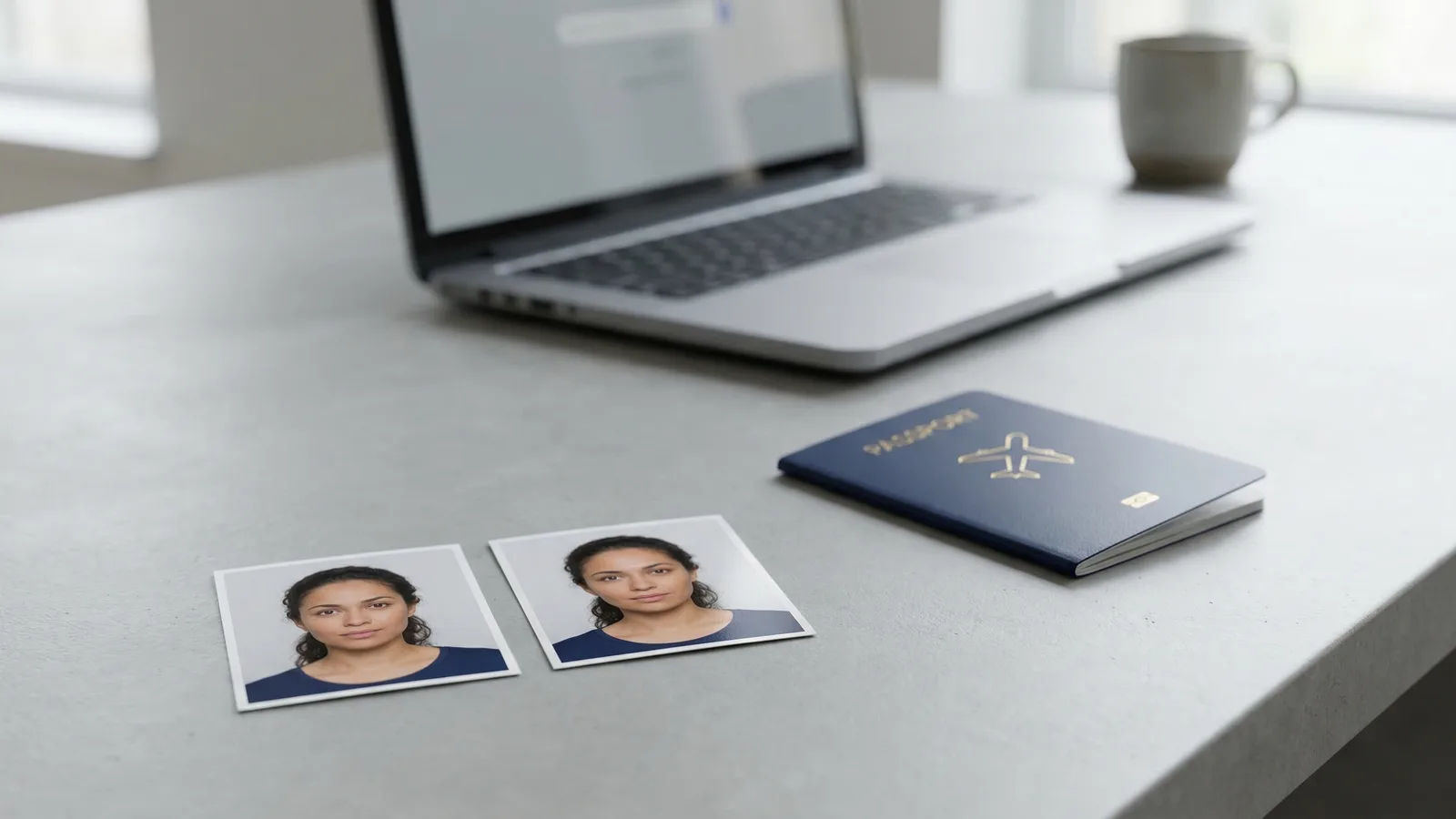
Most people don't think about paper finish until they're standing at the printer or sitting at a pharmacy kiosk with two options on screen: glossy or matte. For regular photos, it's a personal preference. For passport photos, the wrong choice can mean a rejected application.
The answer depends on your country and document type. Here's the definitive breakdown.
Matte vs Glossy Passport Photo: The Short Answer
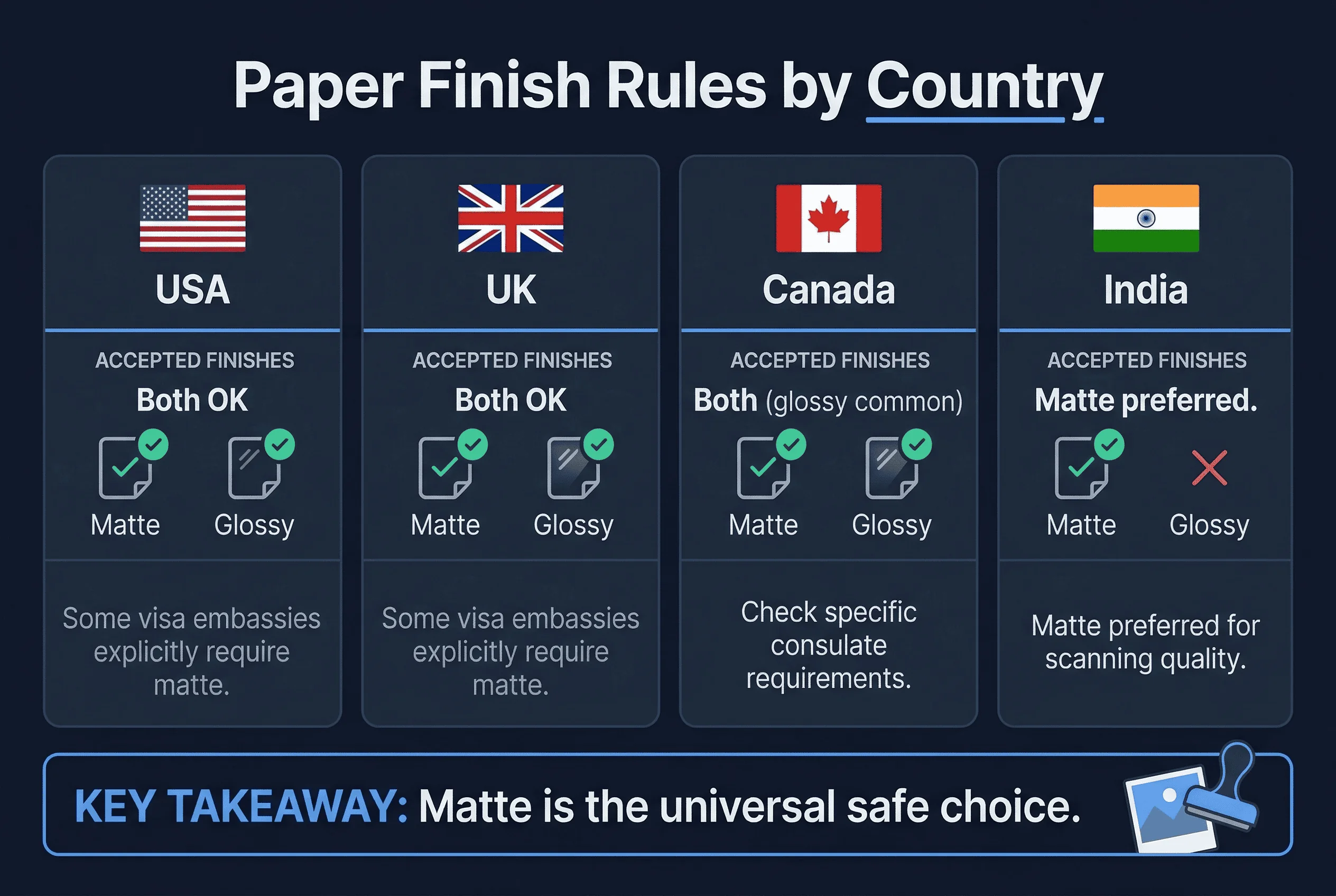
For US passport photos: Both glossy and matte are accepted. The State Department does not specify a required finish.
For UK passport photos: Both are accepted. HM Passport Office does not mandate a specific paper finish.
For Canadian passport photos: IRCC doesn't specify a required finish, but glossy is more commonly used and accepted at all processing centres.
For visa applications: Check the specific embassy's requirements. Some embassies explicitly require matte to prevent glare during scanning.
When in doubt, go matte. It's accepted everywhere that glossy is accepted, and it avoids the one problem unique to glossy: glare.
Get a compliant passport photo online
What's the Difference Between Matte and Glossy Photo Paper?
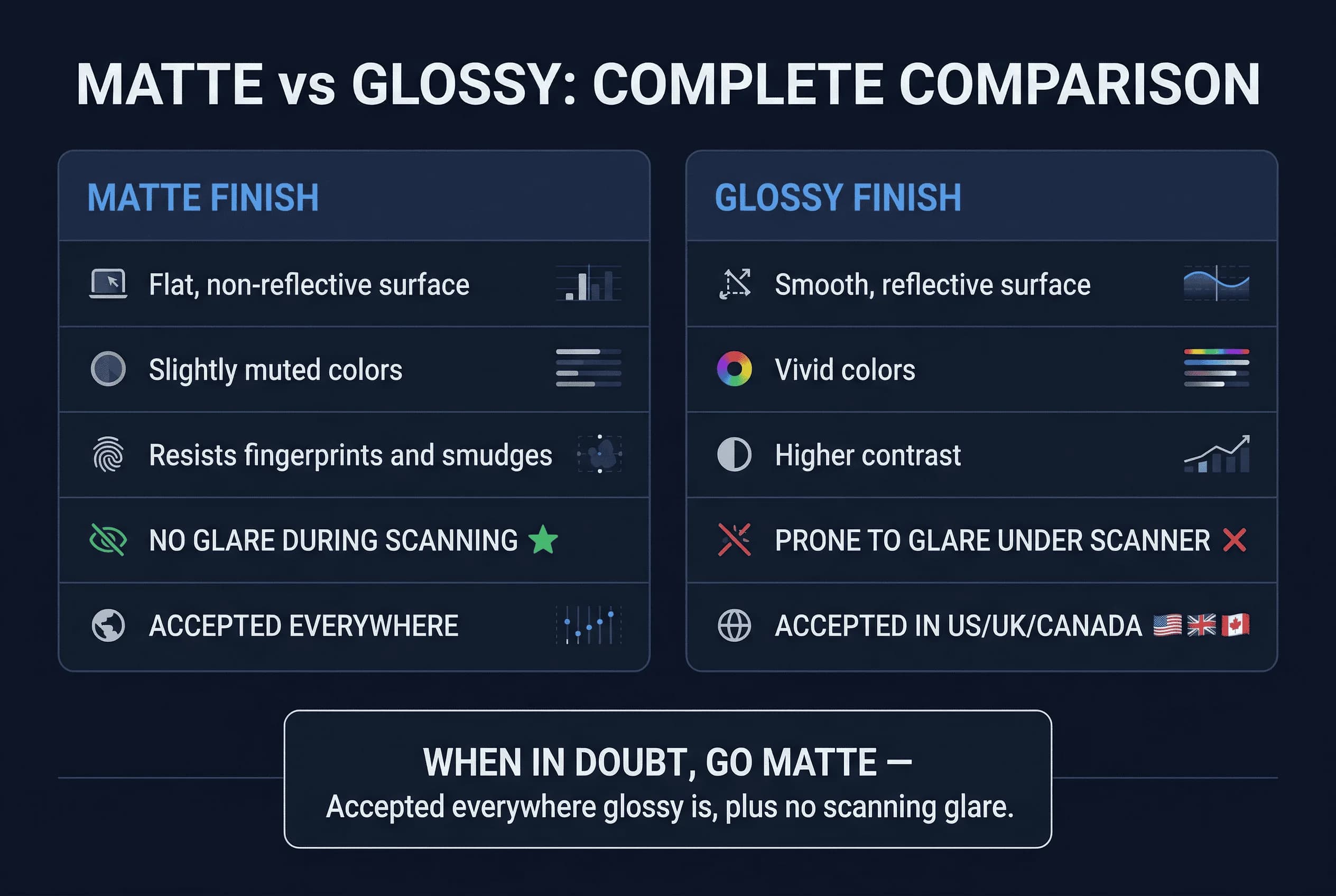
Glossy paper has a smooth, reflective surface. Colours appear more vivid and contrast is higher. The image looks sharper and more saturated. Glossy prints are what you typically get from pharmacy photo kiosks and retail passport photo services.
Matte paper has a flat, non-reflective surface. Colours are slightly muted compared to glossy, and the image has a softer appearance. Matte prints resist fingerprints and smudges, and they don't produce glare under direct light.
For a 2×2 inch passport photo, the visual difference between the two is minimal. You're not printing a gallery-sized landscape — you're producing a tiny image where the subject's face, background, and compliance matter far more than colour vibrancy.
Why Matte Is Usually Safer for Passport Photos
Three practical reasons push matte ahead of glossy for passport and visa photos.
1. No Glare When Scanning Passport Photos
Government agencies scan passport photos as part of the application review process. Glossy paper can produce specular reflections under the scanner's light — bright white spots that obscure part of the image. A glare hotspot across your forehead or cheek makes the scanned image unusable, even if the original print looks perfect.
Matte paper eliminates this problem. The non-reflective surface scans cleanly under any lighting condition.
2. Fingerprint Resistance on Passport Photo Prints
Passport photos get handled. Clerks pick them up, staple them to forms, shuffle them between desks. Glossy paper shows fingerprints immediately — oily smudges on the surface that can distort the image. Matte paper's textured surface hides fingerprints and resists visible marking from handling.
This matters more than you'd think. A visibly smudged passport photo can be flagged for poor quality, even if the underlying image is compliant.
3. Embassy Preferences for Passport Photo Finish
Some embassies and consulates explicitly request matte finish for visa photos. The US Embassy in several countries has historically recommended matte for visa photo prints. The Schengen visa application guidelines don't mandate a specific finish but note that photos should be "high quality" — and processing officers have been known to prefer matte because it scans better.
If you're applying for visas to multiple countries, printing on matte means you don't have to check each embassy's preference. Matte is universally safe.
When Glossy Finish Works for Passport Photos
Glossy isn't wrong — it's just riskier in specific situations.
US passport applications: The State Department explicitly accepts both finishes. If you're only applying for a US passport (not a visa), glossy is fine. CVS, Walgreens, and other retailers print on glossy by default.
Photo booth prints: Most automated photo booths (Boots in the UK, for example) produce glossy prints. For UK passport applications, this is perfectly acceptable.
Digital submissions: If you're submitting a digital file (not a physical print), paper finish is irrelevant. The file doesn't have a physical surface. This distinction matters as more passport services move online — the glossy-vs-matte question only applies to printed photos.
Passport Photo Paper Finish Requirements by Country
| Country | Finish Requirement | Notes |
|---|---|---|
| United States | Glossy or matte | No preference stated |
| United Kingdom | Glossy or matte | No preference stated |
| Canada | Not specified | Glossy most common in practice |
| India | Matte recommended | Some passport seva centres prefer matte |
| Germany | Glossy or matte | Biometric photo standards allow both |
| France | Not specified | Matte preferred for visa applications |
| Japan | Not specified | Both accepted |
| Australia | Glossy or matte | No preference stated |
| Schengen visa | Not specified | Matte recommended to avoid scan glare |
How Paper Type Affects Passport Photo Print Quality
The paper you choose affects how the image renders, regardless of camera or file quality.
Colour accuracy. Glossy paper produces more saturated colours. Skin tones can appear slightly warmer and more vivid on glossy. Matte produces more accurate, neutral tones that closer match what the digital file looks like on screen.
Perceived sharpness. Glossy paper looks sharper because the smooth surface displays fine detail without light scatter. Matte paper diffuses light slightly, giving a softer appearance. At 2×2 inches, this difference is barely perceptible.
Durability. Matte wins. Glossy prints are vulnerable to scratches, fingerprints, and peeling of the glossy coating over time. For a photo that might sit in an envelope, get stapled to a form, and pass through several pairs of hands, matte holds up better.
Ink absorption. On matte paper, ink is absorbed into the paper fibre. On glossy, ink sits on top of the coating. Smudging is a risk with glossy prints that aren't fully dry — a real concern if you're printing at home on an inkjet printer and handling the photo immediately.
Matte and Glossy Passport Photo Printing Tips
If printing at home
- Use photo-grade paper, not standard printer paper
- Let prints dry completely before handling (2–3 minutes for glossy, 1 minute for matte)
- Handle by edges to avoid fingerprints
- Print at 300 DPI from the original verified file
If printing at a pharmacy kiosk
- Select "glossy" or "matte" when prompted (the default is usually glossy)
- CVS, Walgreens, and Walmart kiosks typically offer only glossy
- Some office supply stores (Staples, Office Depot) offer matte printing options
If using a professional print service
- Specify matte if you want matte — professional labs default to glossy unless told otherwise
- Request a 4×6 print with two 2×2 photos arranged on the sheet
Matte vs Glossy Passport Photos: Our Verdict
Matte is the safer, more practical choice for printed passport photos. It scans without glare, resists fingerprints, and is accepted everywhere glossy is accepted — plus some places that prefer it specifically.
Glossy works fine for US and UK passport applications where no finish preference is stated, and it's what you'll get from most retail photo services by default.
The best approach: get your photo verified digitally first, then choose your paper. The compliance of the image matters infinitely more than the finish of the paper. A perfectly compliant photo on the wrong paper is a minor issue. A non-compliant photo on premium paper is a rejected application.
Verify your photo with passportsize-photo.online before you print on anything. Check your country's specific requirements, review US passport photo specs for the most common format, or read about digital vs printed passport photos if you're deciding between formats.