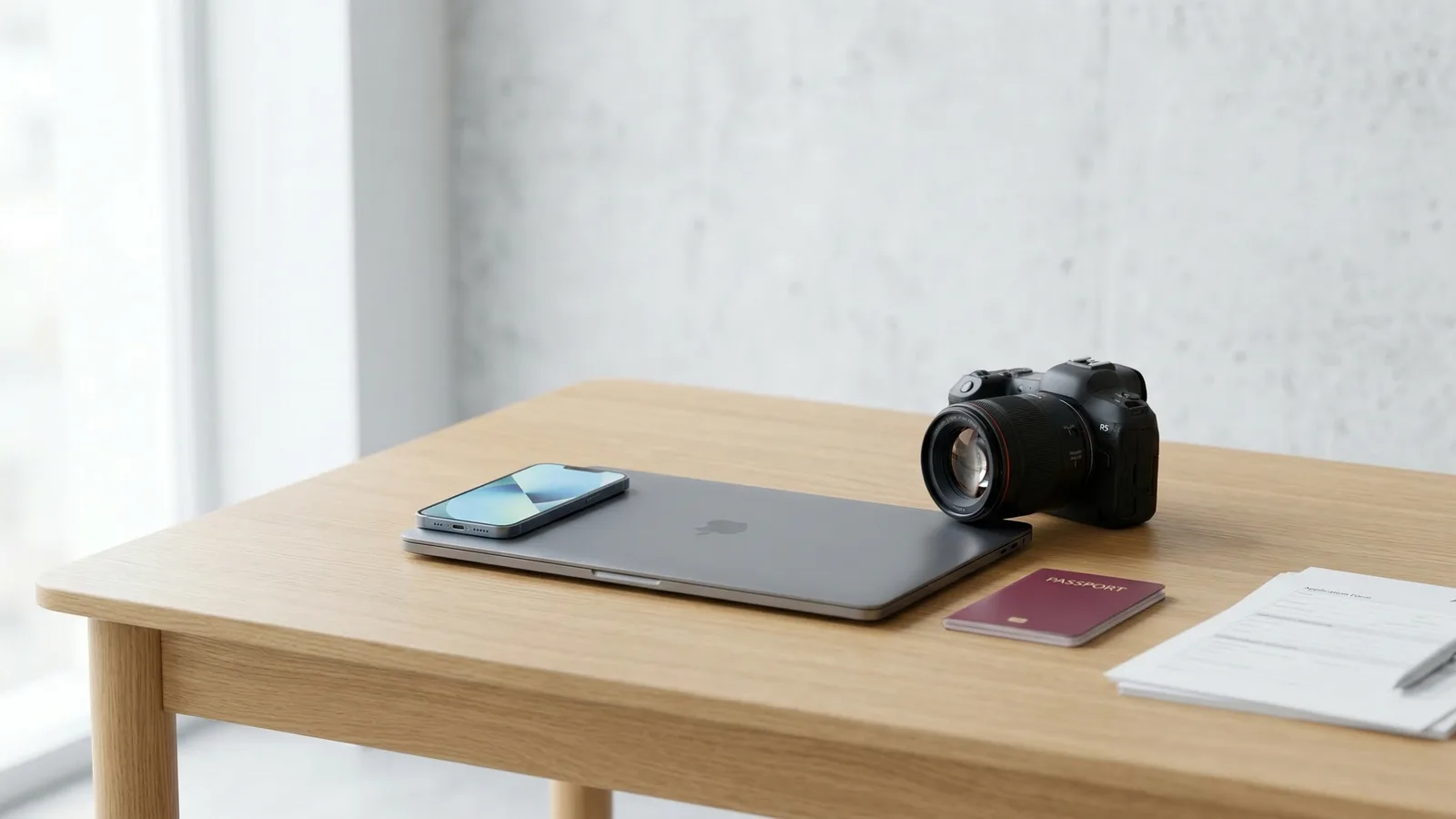
Short answer: your iPhone takes passport photos that are more than good enough. The longer answer involves understanding what "good enough" means for a government document, why professional cameras are overkill for this specific use case, and the one area where your phone might actually have an advantage.
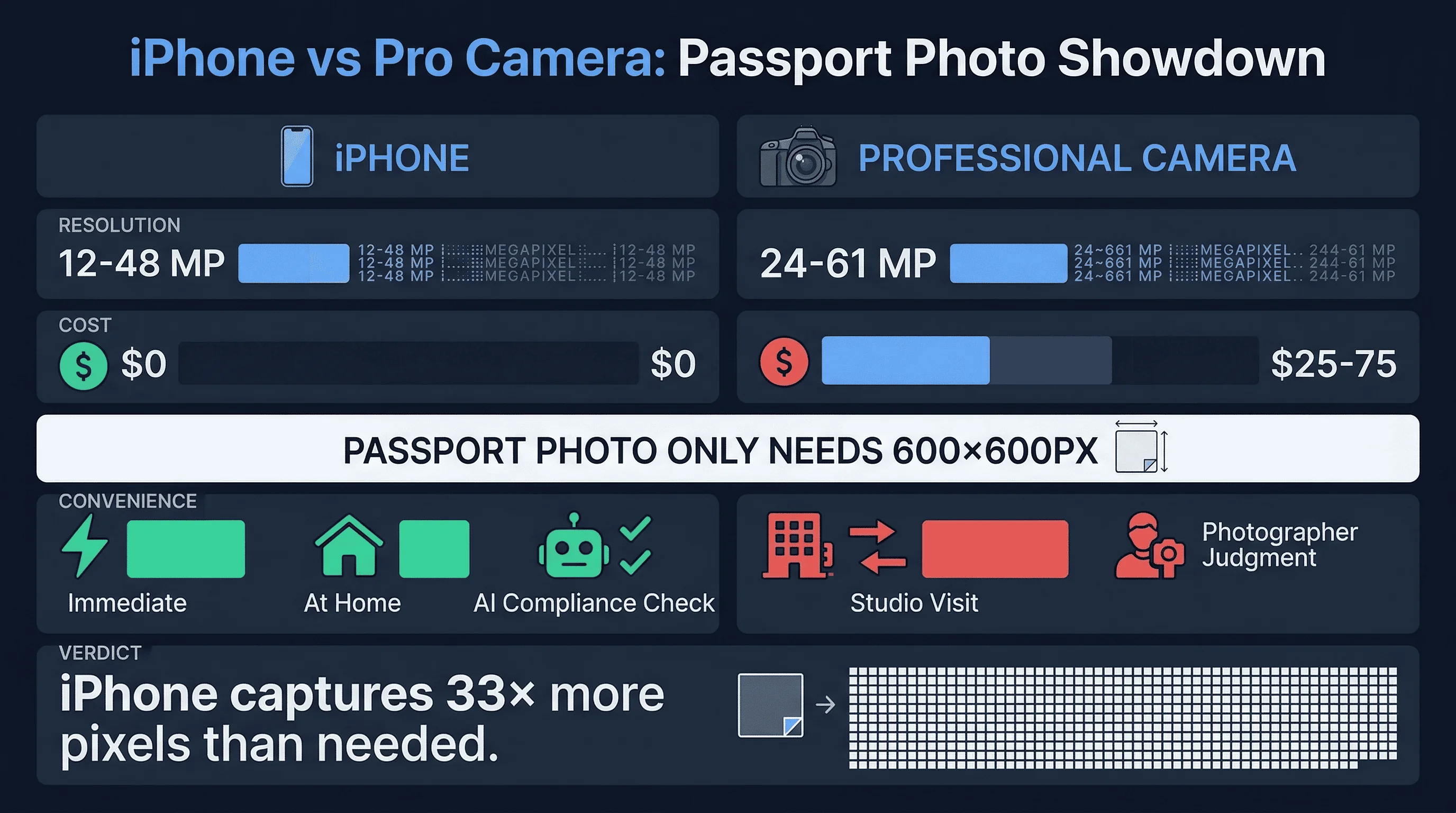
iPhone vs Professional Camera for Passport Photos: Quick Comparison
| Factor | iPhone (Recent Model) | Professional Camera (DSLR/Mirrorless) |
|---|---|---|
| Resolution | 12–48 MP (rear camera) | 24–61 MP |
| Sufficient for passport photo? | Yes — only 600×600px needed | Yes — far exceeds requirement |
| Image quality | Excellent in good light | Superior in all conditions |
| Cost to you | $0 (already own it) | $25–$75 (studio session) |
| Convenience | Immediate, at home | Requires travel to studio |
| Compliance check | With online tool | Photographer's judgment |
Get a compliant passport photo online
What Resolution and Quality Do Passport Photos Actually Require?
Before comparing cameras, consider what the photo needs to be.
A US passport photo is 600×600 pixels at 300 DPI. That's 2×2 inches. The final printed output is roughly the size of a large postage stamp. At that size, the difference between a 12-megapixel iPhone shot and a 45-megapixel Sony Alpha frame is invisible to the human eye — and to the government scanner that processes your application.
The State Department doesn't specify what camera you must use. They specify the output: correct dimensions, white background, proper head size (50–69% of frame), eyes at 56% from bottom, no shadows, neutral expression, no glasses. An iPhone meets every one of these requirements as long as the photo is taken correctly.
The UK is even more explicit. HM Passport Office states that digital photos can be taken with a smartphone. They just need to meet the specification: 600×750 pixels minimum, plain cream or light grey background, head filling 64–76% of the frame.
Where iPhones Excel for Passport Photos
The rear camera is more than sufficient. Even the iPhone 12 (released in 2020) shoots at 12 MP — that's 4,032×3,024 pixels. The passport photo requirement is 600×600. You're capturing roughly 33 times more pixels than needed. Cropping down to the passport area leaves more than enough resolution.
Computational photography compensates for hardware. Modern iPhones use multi-frame processing, Smart HDR, and computational noise reduction to produce images that rival dedicated cameras in well-lit conditions. For a portrait against a white wall in natural light, the quality gap between an iPhone 14 and a Canon R6 is negligible at passport photo output sizes.
Instant retakes cost nothing. Didn't like the first shot? Take another. And another. And another. At a studio, you get one session. With your iPhone, you shoot until you're satisfied and verify with an AI tool before committing.
You already own it. The phone is in your pocket. The studio is across town. For a 2×2 inch photo that needs to meet a specific technical checklist — not win a photography award — the tool you already have is the right tool.
Where Professional Cameras Beat iPhones for Passport Photos
Controlled lighting eliminates variables. A studio photographer uses calibrated lights positioned to eliminate shadows, even out skin tones, and produce consistent illumination across the frame. An iPhone photo taken near a window depends on time of day, weather, and the direction the window faces. Professional lighting is more reliable.
Better performance in poor light. If your home doesn't have good natural light — small windows, north-facing rooms, overcast conditions — an iPhone will struggle with noise and soft focus. A full-frame camera with a fast lens handles low light better. That said, you can mitigate this by adding a desk lamp or two, and the result will be more than adequate.
Sharper at pixel level. Professional lenses resolve more detail than smartphone optics. At 100% zoom, a studio shot is sharper. But passport photos aren't viewed at 100% zoom. They're printed at 2×2 inches and glanced at by a border agent. The technical superiority exists but doesn't translate to a practical advantage.
Better for difficult subjects. Babies who won't hold still. Elderly subjects who have trouble maintaining a neutral expression. People with medical conditions affecting posture. A professional photographer is trained to work with difficult subjects and can adapt their approach. An iPhone on a timer can't.
Does Camera Quality Affect Passport Photo Compliance?
Here's the part most people overlook: camera quality doesn't determine compliance. Compliance is about composition, background, dimensions, and expression. A $3,000 camera produces a non-compliant photo if the background isn't white or the head is too large in the frame. A five-year-old iPhone produces a perfectly compliant photo if the setup is right.
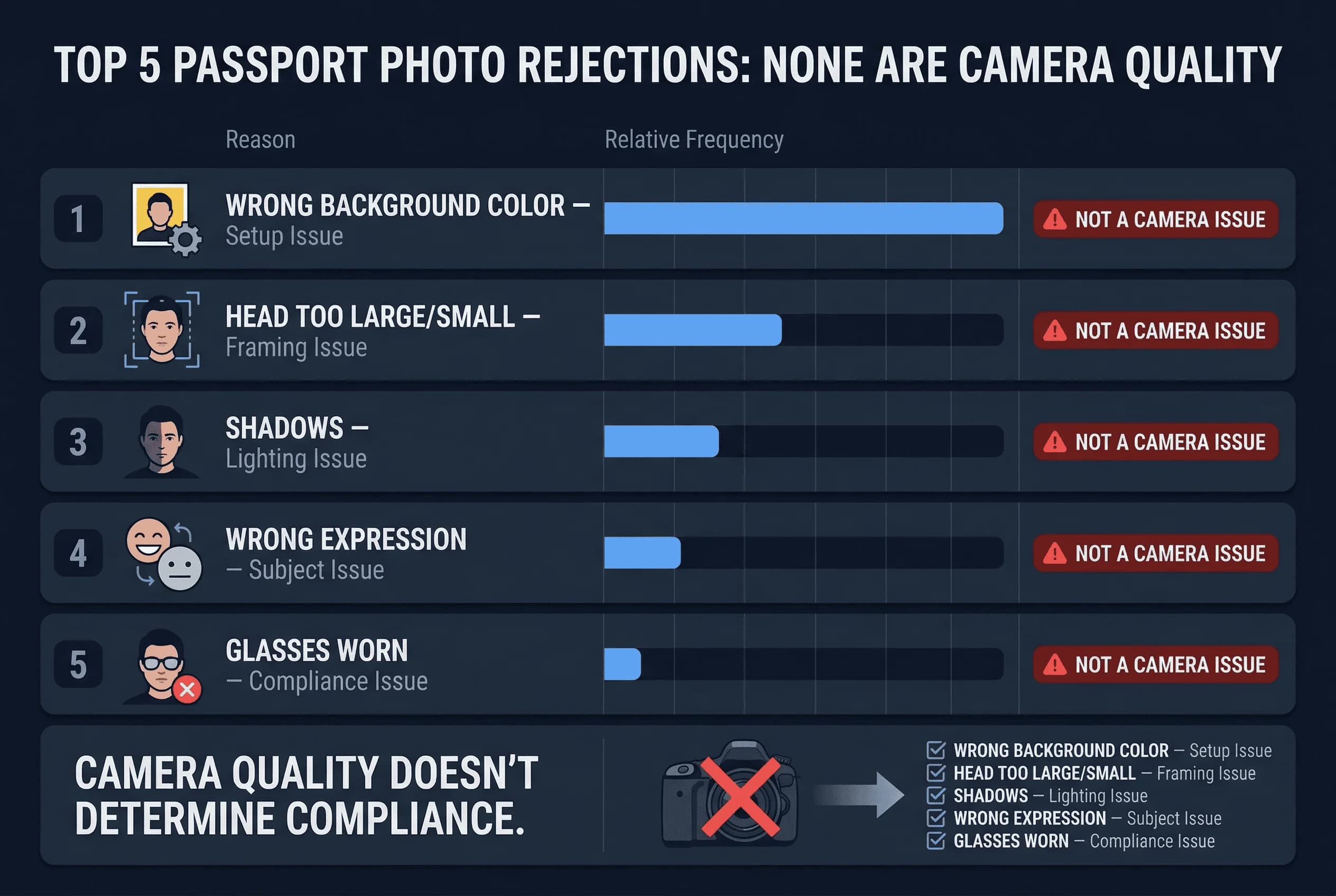
The most common passport photo rejections have nothing to do with image quality:
- Wrong background colour or unevenness — setup issue, not camera issue
- Head too large or too small in frame — framing issue, not camera issue
- Shadows on face or behind head — lighting issue, addressable with any camera
- Wrong expression or eyes not open — subject issue, not camera issue
- Glasses worn when not allowed — compliance knowledge issue
A $5 AI verification tool catches all five of these issues regardless of what camera took the photo. A $75 studio session doesn't check any of them systematically.
iPhone + AI Verification vs Studio: The Real Cost Comparison
The honest comparison isn't iPhone vs professional camera. It's:
iPhone + AI verification ($4.99) vs Professional camera + photographer's judgment ($25–$75)
The iPhone path gives you: lower cost, unlimited retakes, quantitative compliance checking, a digital file ready for any application, and the convenience of doing it at home.
The studio path gives you: better lighting, professional framing, a slightly more polished result, and the human touch of an experienced photographer who can adjust for difficult situations.
For 95% of passport photo needs, the iPhone path wins. It's cheaper, faster, and produces an equally compliant result.
Tips for the Best iPhone Passport Photo
If you're going the iPhone route — and you should, for most situations — here's how to nail it:
-
Use the rear camera. The main lens, not the ultra-wide or selfie camera. Have someone else take the photo, or prop the phone on a stable surface with a timer.
-
Face a window. Natural, indirect daylight is the best free lighting. Direct sunlight creates harsh shadows. Overcast days produce soft, even light — ideal for portraits.
-
Stand 12–18 inches from a white wall. Enough distance to avoid casting a shadow on the wall. Close enough that the wall fills the background.
-
Turn off Portrait Mode. Portrait Mode adds artificial background blur, which can interfere with background uniformity checks. Use the standard Photo mode.
-
Hold the phone at eye level. The camera should be positioned at the same height as your eyes to avoid unflattering angles and distortion.
-
Verify before printing. Upload to passportsize-photo.online to confirm your photo meets all specifications before you print or submit.
iPhone vs Professional Camera for Passport Photos: Our Verdict
Your iPhone is more camera than you need for a passport photo. The 600×600 pixel requirement is trivially easy for any modern smartphone. The quality gap between phone and professional camera disappears at passport photo size.
Save the $25–$75 studio fee. Take the photo at home with your iPhone. Verify compliance with AI. Print for under a dollar. You'll have a compliant passport photo for about $5.50 total — and it will be indistinguishable from a studio shot at the size it's actually used.
Verify your iPhone photo with passportsize-photo.online in 30 seconds. Check US passport photo requirements for the full spec sheet, or read about taking passport photos at home vs in a studio.