Taking your own passport photo for France saves money and gives you control over the result. The French government accepts DIY photos for online applications through the ANTS portal. Here's exactly how to do it right.
This guide assumes you're photographing an adult. For infants, see our separate baby passport photo guide.
Equipment You Need for a DIY French Passport Photo
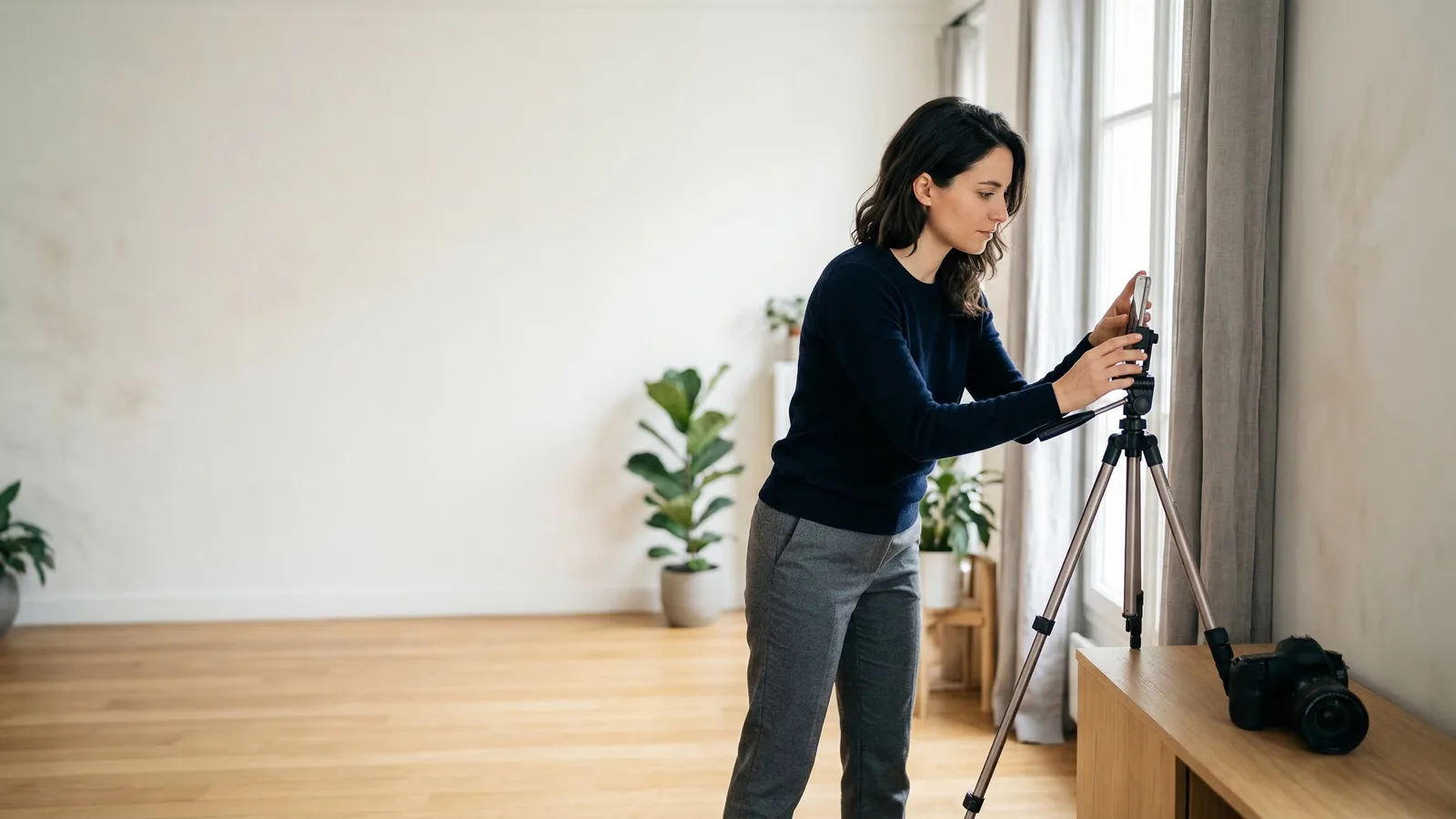
You don't need professional gear. A modern smartphone works perfectly. The camera should be at least 12 megapixels — most phones from the last 5 years exceed this. Use the rear camera, not the selfie camera, for better quality and less distortion.
You'll also need:
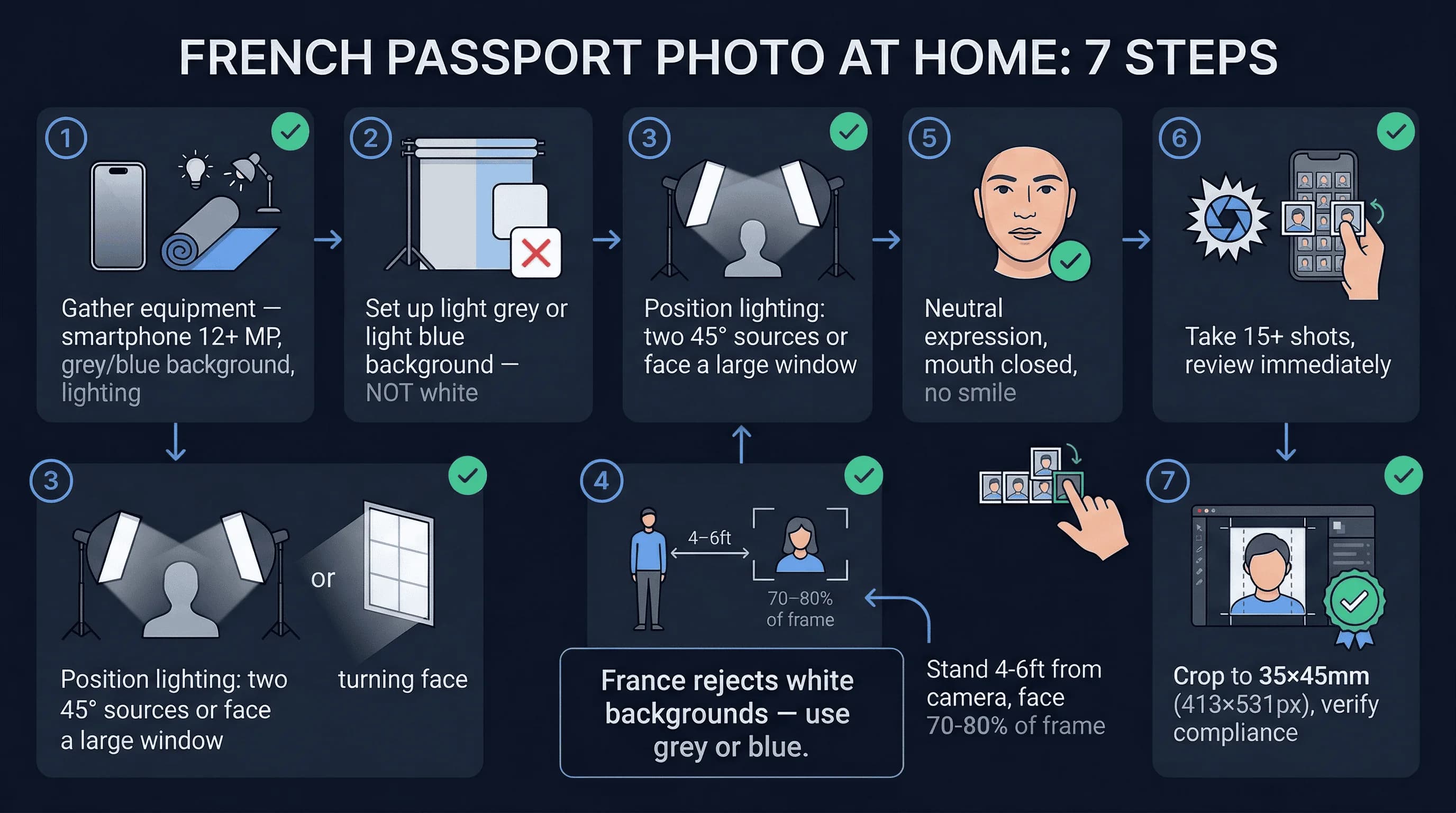
- A plain white background — foam board, white bedsheet, or clean white wall
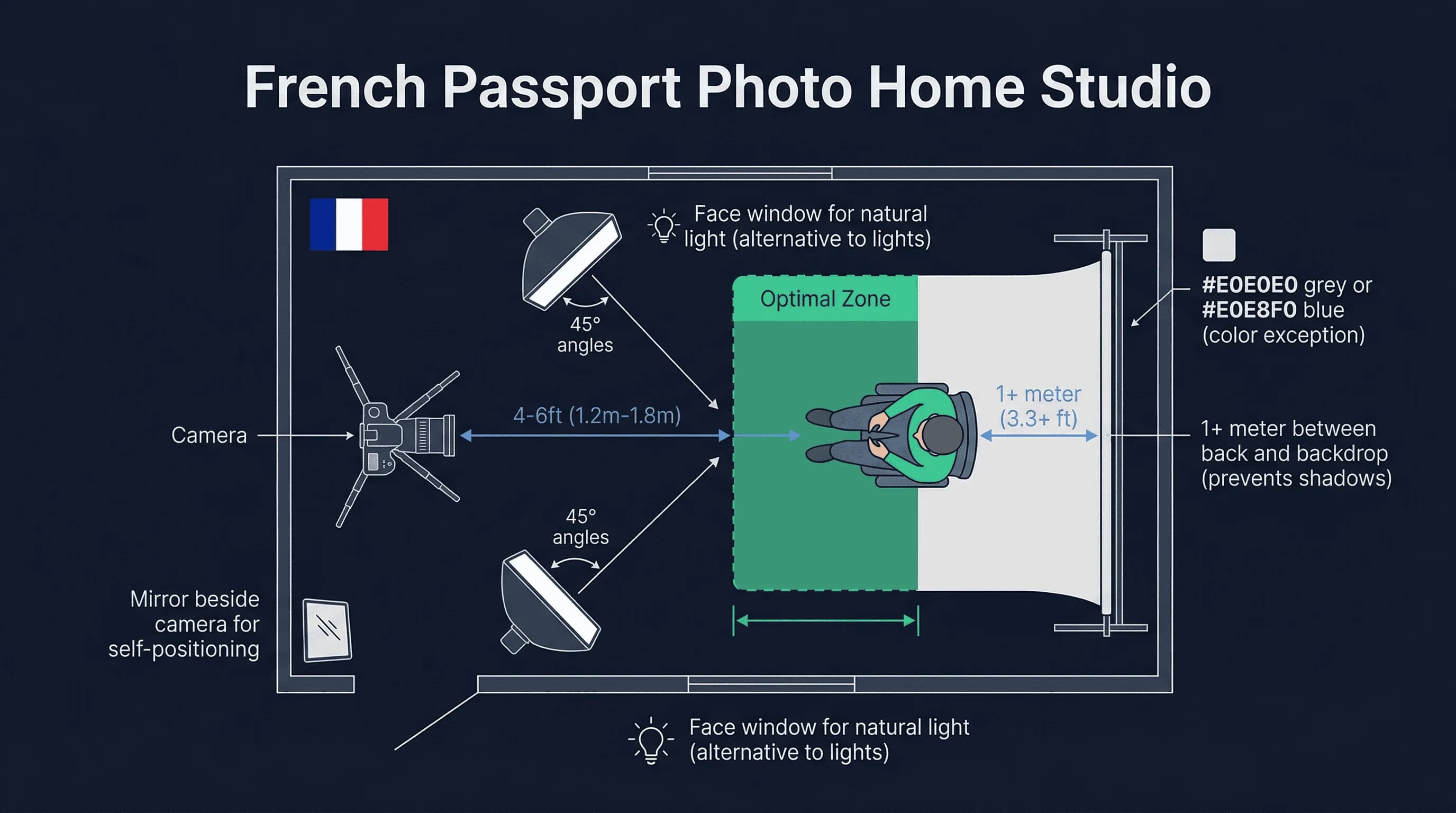
- Good lighting — natural window light is ideal, or two lamps at 45° angles
- A tripod or stable surface — never hold the phone in your hand
- A timer or remote shutter — to avoid camera shake
- Photo editing software — for cropping to 35×45mm (built-in phone editors work fine)
Get a compliant passport photo online
Step 1: Set Up a White Background for French Photos
France requires a plain white background. Options for home backgrounds:
- White foam board — available at any papeterie or Cultura for a few euros. The most reliable option.
- White bedsheet — iron it flat and pin it taut. Even minor wrinkles create shadows.
- Clean white wall — inspect for yellowing, scuff marks, or nail holes.
Hang or position your background behind where you'll stand. Ensure it covers the entire frame with extra margin. Stand 12–18 inches away from the background to prevent casting shadows onto it.
Step 2: Position Lighting for Your French Passport Photo
Even lighting eliminates shadows. This is non-negotiable — France's automated processing system flags any visible shadow.
Natural light works best. Position yourself facing a large window. The light should come from in front of you, not behind. Backlighting creates a silhouette. Overcast days are ideal — clouds diffuse the light naturally. In France's variable climate, waiting for an overcast moment often gives better results than shooting in bright sun.
If using artificial light, use two identical lamps with daylight bulbs (5000K–6500K) placed at 45° angles on either side. This creates even illumination without one-sided shadows. Match the bulbs — different colour temperatures create uneven tones.
Test your setup with a trial photo. Check carefully for:
- Shadows under your chin
- Hot spots on your forehead
- Dark patches near your ears
- Gradients on the background wall
Step 3: Position Yourself for the 70–80% Face Ratio
Stand 4–6 feet (1.2–1.8m) from the camera. Use a tripod or stabilized surface — never hold the phone in your hand. Your face should fill about 75% of the frame vertically — France allows 70–80%.
Your shoulders should be visible, centred in the frame. Leave equal space on left and right sides. Frame from the shoulders up with space above your head for cropping.
Look directly at the camera lens, not the screen. Keep your head straight — no tilting in any direction. Both ears should be visible. If your hair covers your ears, tuck it behind them. Remove earrings that create reflections or shadows.
Step 4: Achieve a Neutral Expression for French Photos
France requires neutral expression. Mouth closed. Teeth not showing. No smile.
This is harder than it sounds. Most people smile automatically when having their photo taken. Practice in a mirror beforehand.
Your lips should touch lightly. The corners of your mouth should be level. Don't press them together hard — that creates tension in your jaw.
Keep your eyes open and focused on the camera lens. Look at the lens itself, not the screen.
Step 5: Take Multiple Shots and Review Each One
Take at least 15–20 photos in quick succession. Use burst mode if available. Your expression shifts between frames — some will look natural while others show tension.
Review each shot on a larger screen (computer monitor or tablet). Eliminate any photo where:
- Background shows shadows, gradients, or discoloration
- Face shows any hint of smile or tension
- Eyes are partially closed or looking away
- Head is tilted or turned
- Glasses are visible
- Hair covers the forehead or eyes
- Image is blurry from movement
Select your best 3–4 options for cropping. Having backups means you can choose the frame where you look most natural.
Step 6: Crop to 35×45mm and Edit Your French Photo
Crop to 35×45mm aspect ratio (7:9). Set your cropping tool to 413×531 pixels at 300 DPI. Most phone editors have aspect ratio presets.
You can slightly adjust brightness and contrast to ensure proper exposure. But do not over-edit:
Allowed: Cropping, minor brightness/contrast, straightening Not allowed: Blemish removal, skin smoothing, eye colour changes, facial structure alterations, beauty filters
The ANTS system's automated checks can detect manipulated photos. Keep edits minimal and natural.
Step 7: Verify Your French Passport Photo Compliance
Before submitting, check your photo against all French requirements:
- Dimensions: 35×45mm
- Background: white (#FFFFFF)
- Face: 70-80% of frame height
- Expression: neutral, mouth closed
- Eyes: open, visible
- Glasses: removed (not allowed)
- Format: JPEG or PNG, 20KB-500KB
Remove All Glasses for French Passport Photos
France bans all glasses in passport photos. Remove prescription glasses, sunglasses, and reading glasses before taking the photo. There are no medical exceptions for the photo itself. If you wear contacts, keep them in.
Common DIY Mistakes for French Passport Photos
Shadows. The most common rejection trigger. Shadows under the chin, beside the nose, or on the background wall. Stand far enough from the wall and use two light sources at 45° angles.
Non-white background. Ensure your background is genuinely white, not cream or off-white. Take a test photo of the wall alone — if it looks warm or grey on screen, use white foam board.
Expression. Even a subtle upturn at the corners of your mouth will fail. Practice a neutral face in the mirror before the session.
Glasses. France bans all glasses. If you normally wear them, double-check before every shot.
Over-editing. Skin smoothing, blemish removal, or colour filters will trigger rejection. Only crop and adjust brightness/contrast.
Printing and Submitting Your French Passport Photo
Print at 300 DPI on photo paper. You can fit multiple 35×45mm photos on a single 10×15cm sheet. Print at a Photomaton booth, a papeterie, or at home with a photo-quality printer.
ANTS portal (online). Upload the digital file directly for online applications. The system runs automated checks — dimensions, background, expression.
In-person (préfecture/mairie). Bring two identical printed photos. Staff check them visually.
Photomaton Booths as an Alternative to DIY
If DIY proves frustrating, Photomaton booths are everywhere in France — metro stations, shopping centres, préfectures. They produce ANTS-compatible digital codes and compliant prints for approximately €5–8. They guarantee compliance with French specifications.
French Passport Photo Rules for Citizens Abroad
If renewing a French passport abroad, the same requirements apply at French consulates. Photo studios overseas may not know France's specific rules — specify "French passport photo, 35×45mm, white background, no glasses, neutral expression."
Verify your photo meets all French requirements with the passportsize-photo.online checker. For size details, see the France passport photo size guide. For full French passport rules, visit the France hub.