You can take your own UK passport photo at home. The HM Passport Office accepts DIY photos as long as they meet the exact specifications.
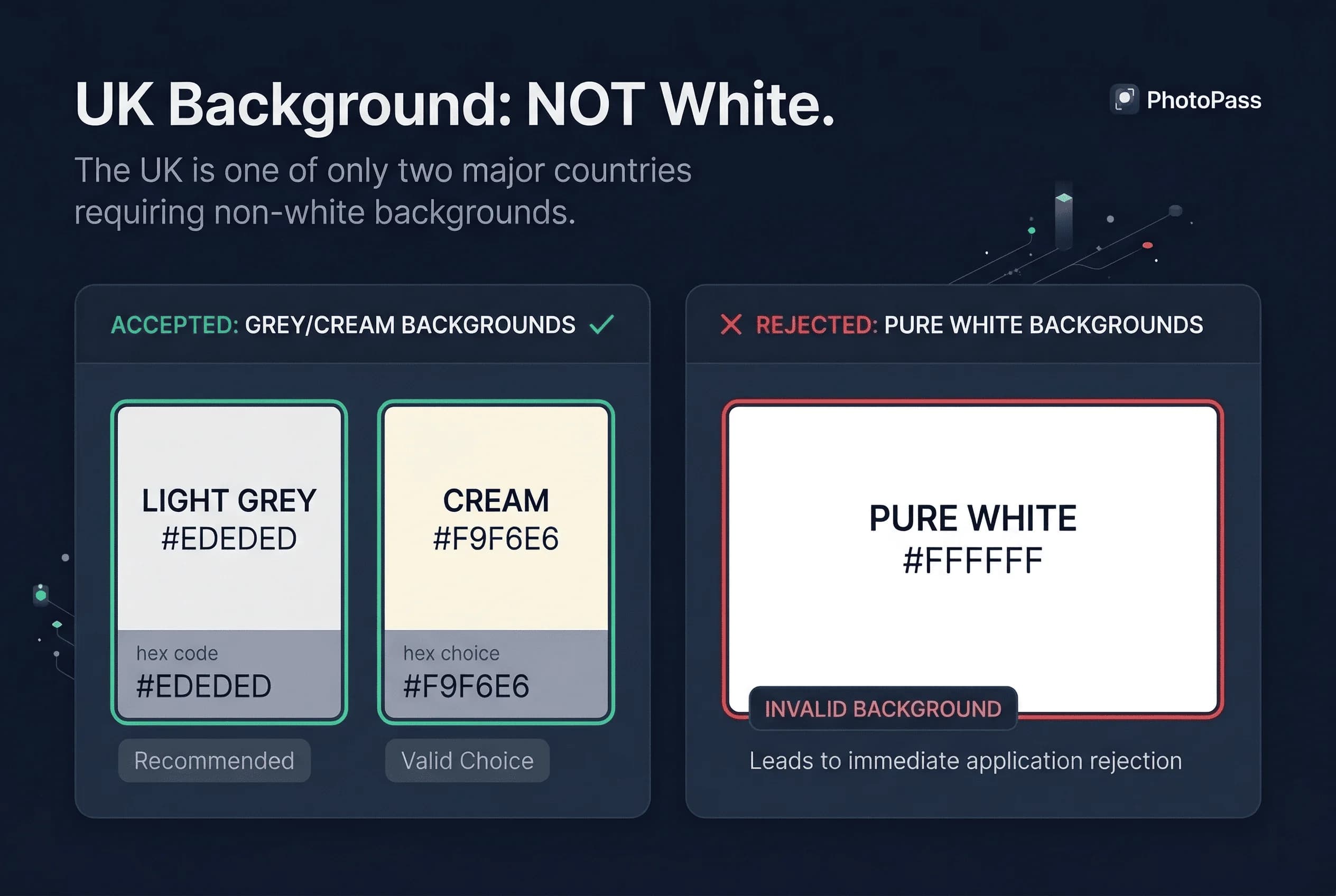
The key difference from other countries: UK requires a light grey background, not white. This is the most common mistake people make.
What You Need for a UK Passport Photo at Home
- Smartphone — any modern phone
- Light grey background — grey poster board or grey fabric
- Good lighting — natural daylight is best
- Helper — you cannot take a selfie (selfies are not accepted)
- Photo editing app — for resizing to 413×531 pixels
Grey is crucial. White won't work.
Get a compliant passport photo online
Step-by-Step: How to Take a UK Passport Photo at Home
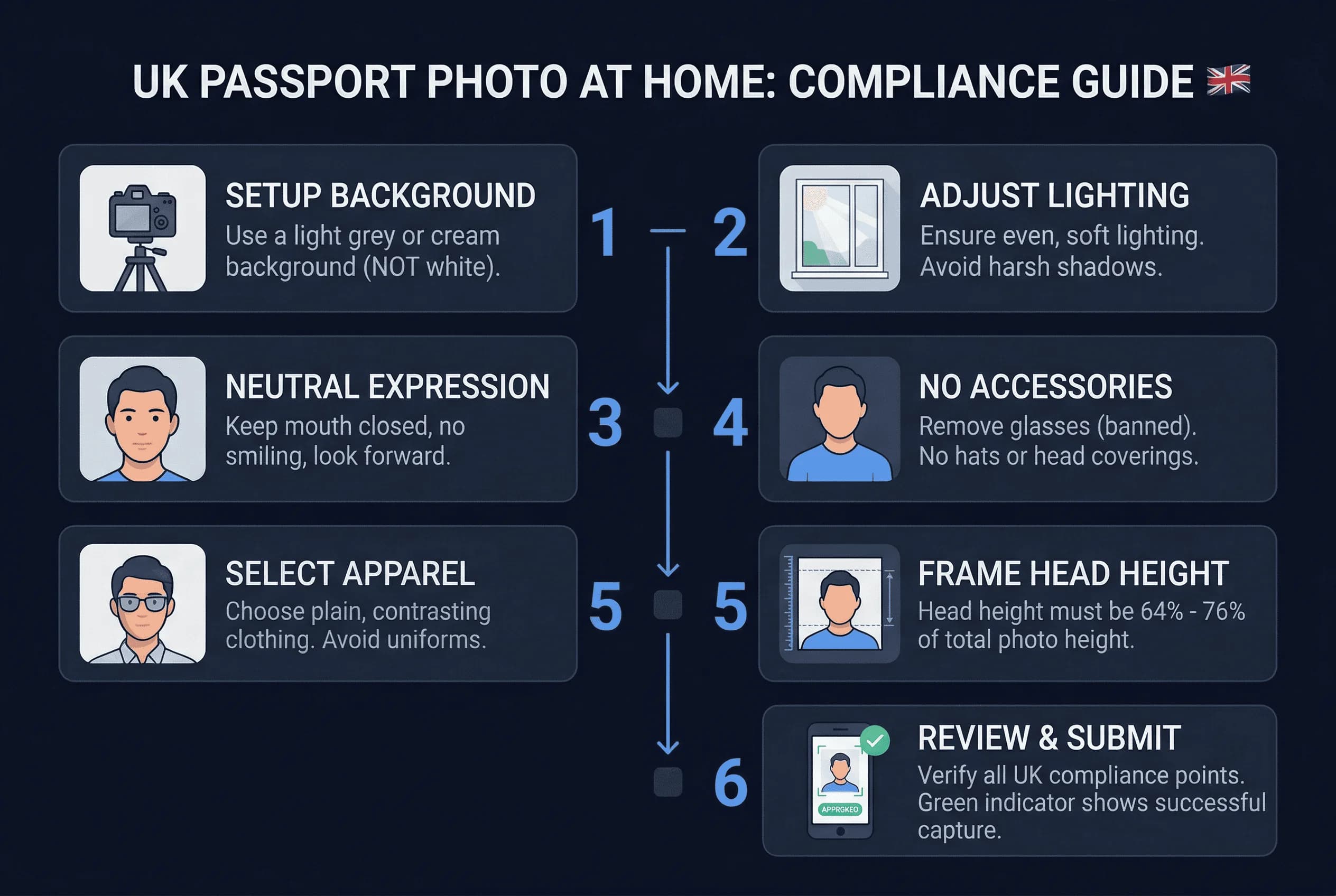
Step 1: Get a Grey Background for Your UK Photo
This is the most important step. The UK requires light grey (#E6E6E6) — not white, not dark grey, not medium grey.
Options:
- Grey poster board — available from Hobbycraft, WHSmith, or craft shops. £3–5. The most reliable option.
- Grey fabric or bedsheet — must be uniform light grey. Iron flat and pin taut — wrinkles create shadows.
- Grey wall — if you happen to have one in the correct shade.
White backgrounds are rejected by HMPO. This is the single most common DIY failure point for UK passport photos. Stand 12–18 inches from the background to prevent your body casting shadows onto it.
Step 2: Set Up Lighting for UK Passport Photos
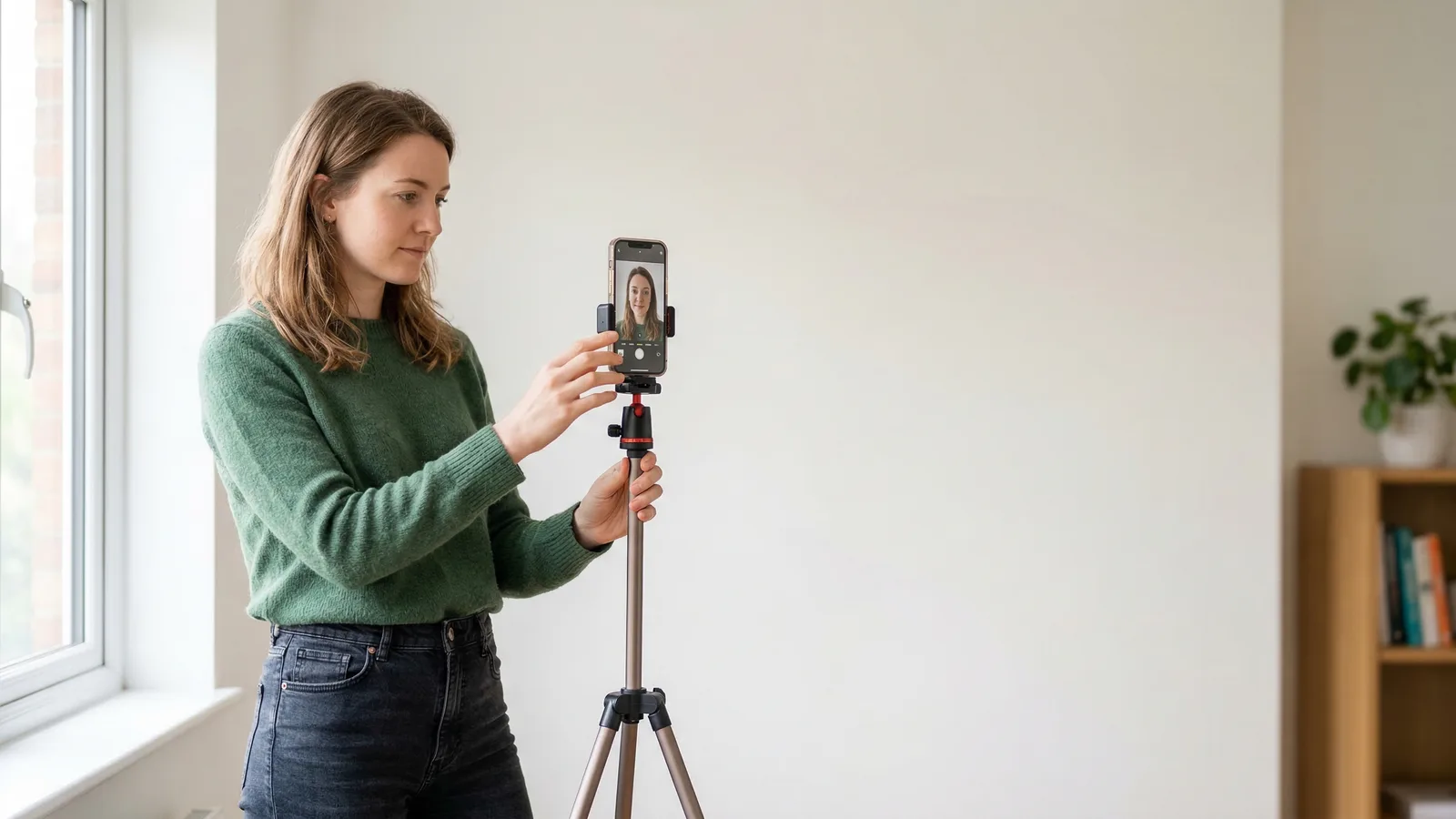
Natural daylight from a window is ideal. Position yourself facing the window so light falls evenly on your face. Overcast UK days produce excellent diffused light — you don't need direct sunshine.
If using artificial light, place two identical lamps at 45° angles on either side with daylight-temperature bulbs (5000K–6500K). This eliminates one-sided shadows. Match the bulbs — different colour temperatures create uneven tones.
Critical for grey backgrounds: Under-lighting makes grey appear darker than intended. Over-lighting washes it towards white. Take a test photo of just the background — on screen, it should appear light grey, not white or dark.
Step 3: Position Your Phone for UK Passport Photos
Use the rear camera, not the selfie camera — it produces sharper images with less barrel distortion. Place the phone on a stable surface (tripod, stack of books, shelf) at eye level, 4–6 feet (1.2–1.8m) away. Set a 3 or 10-second timer, or have someone else take the photo.
Step 4: Prepare Your Appearance for UK Photos
Before the shot:
- Glasses: Prescription glasses are allowed, but ensure no glare on lenses. Sunglasses are not permitted.
- Remove sunglasses and headphones
- Remove jewelry that frames your face
- Check hair doesn't cover eyes
- Wear solid colored clothing (avoid white — it blends with background)
Step 5: Take Multiple UK Passport Photo Shots
Take 15–20 photos in quick succession. Use burst mode if available. Review each on a larger screen (computer monitor or tablet).
Eliminate any shot where:
- Background appears too dark, too light, or uneven
- Face is not centred or is tilted
- Eyes are partially closed or looking away
- Expression shows any hint of smile
- Glasses have visible glare (if wearing them)
- Shadows appear on background or face
- Hair covers the forehead or eyes
Select your best 3–4 for cropping. The grey background makes shadows more visible — be extra critical.
Step 6: Resize to 413×531 Pixels for HMPO
Open your chosen photo in any editor:
- Crop to 1:1.29 aspect ratio (45:35)
- Resize to exactly 413 × 531 pixels
- Save as JPEG (high quality)
- File size should be 50KB to 10MB
This is the standard UK digital size at 300 DPI.
UK-Specific Tips for Home Passport Photos
Grey Background Is Required for UK Passport Photos
This is the #1 rule. Not white. Not off-white. Light grey (#E6E6E6).
The UK uses grey to provide better contrast for facial recognition. This differs from the US, India, and most other countries.
No Smiling Allowed in UK Passport Photos
UK passport photos require neutral expression. No smiling. This is stricter than the US, which allows smiles.
UK Passport Photo Head Size Requirements
Your head should be 59-69% of the frame height. That's roughly 29-34mm in print terms.
Are Glasses Allowed in UK Passport Photos?
The UK allows prescription glasses in passport photos, provided there's no glare on the lenses. Position lighting at 45° angles to minimise reflections. If glare persists, removing them is simpler.
UK Passport Photo Digital Upload Requirements
The online portal is the primary method now. Upload digital photos (JPEG or PNG). Paper photos are only for postal applications.
Common UK Passport Photo Mistakes When Shooting at Home
Mistake 1: Using a White Background for UK Photos
UK requires light grey. White is rejected. Don't make this mistake.
Mistake 2: Wrong Dimensions for UK Passport Photos
UK is 35×45mm (rectangular). This is different from US (square 2×2 inches). Get the dimensions right.
Mistake 3: Smiling in Your UK Passport Photo
UK doesn't allow smiles. Keep your expression neutral.
Mistake 4: Wrong File Size for UK Photo Upload
File size must be between 50KB and 10MB. Too small or too large causes rejection.
Mistake 5: JPEG Compression Artifacts in UK Photos
Save as high-quality JPEG. Low-quality settings introduce visible artifacts.
How to Check Your UK Passport Photo Before Submitting
Before submitting to HM Passport Office, verify:
- Background is light grey (#E6E6E6)
- Dimensions are 413×531 pixels
- File size is 50KB-10MB
- Head occupies 59-69% of frame
- Eyes are open and visible
- Expression is neutral
- Glasses: prescription allowed (no glare); no sunglasses or headphones
Check your UK passport photo →
Alternative: Use a UK Passport Photo Service Instead
If DIY feels complicated, use a professional service:
- Post Office passport photos: ~£10
- Snappy Snaps: ~£12
- Online services: £5-10
These guarantee compliant backgrounds and dimensions. Worth it to avoid rejection and delay.
Lighting Tips for UK Passport Photos at Home
Natural light. The UK's overcast skies are actually ideal for passport photos — clouds diffuse the light naturally. Position facing your largest window and shoot freely.
Rainy days with no natural light. Two identical lamps at 45° angles with daylight bulbs (5000K–6500K). The grey background requires careful lighting — under-lit grey appears darker than intended.
Test your setup. Photograph the grey background alone. On screen, it should appear light grey — not white, not medium grey.
Printing Your UK Passport Photo at Home
After cropping to 413×531 pixels at 300 DPI:
- Print on photo paper at 300 DPI. You can fit multiple 35×45mm photos on a 6×4 sheet.
- Verify the printed background colour matches the light grey requirement.
- Check printed size with a ruler — must measure exactly 35mm × 45mm.
- Print at Boots, Snappy Snaps, or at home.
Taking UK Passport Photos at Home While Abroad
If renewing from abroad, the same light grey background requirement applies at British embassies and high commissions worldwide. Studios overseas almost always default to white backgrounds — always specify "UK passport photo, 35×45mm, light grey background, not white." This is the requirement most often failed by Brits living abroad. Taking the photo at home against grey poster board is often the simplest approach when overseas.
Verify your photo with the passportsize-photo.online checker. For size details, see the UK passport photo size guide. For full UK rules, visit the UK hub.