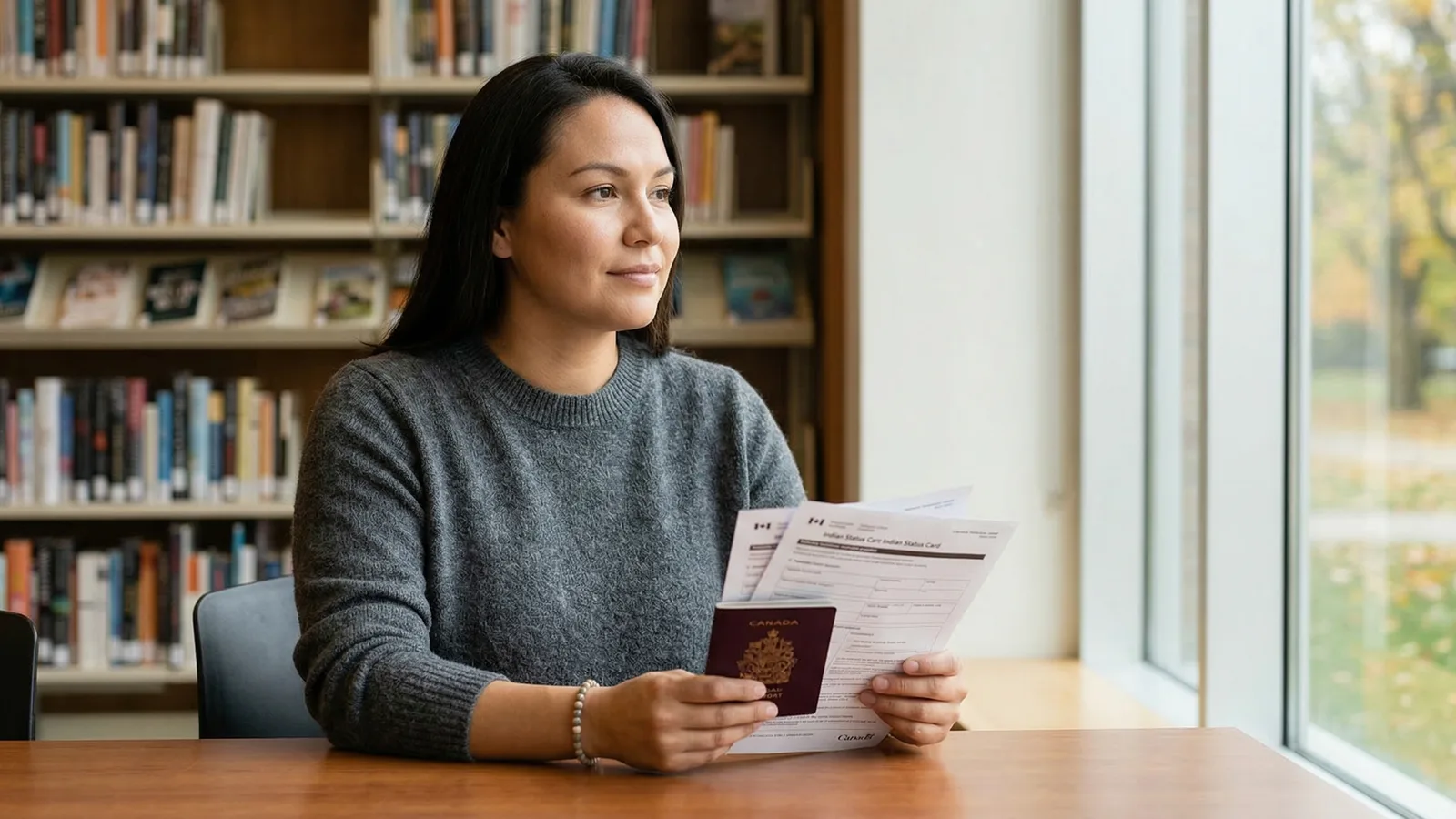
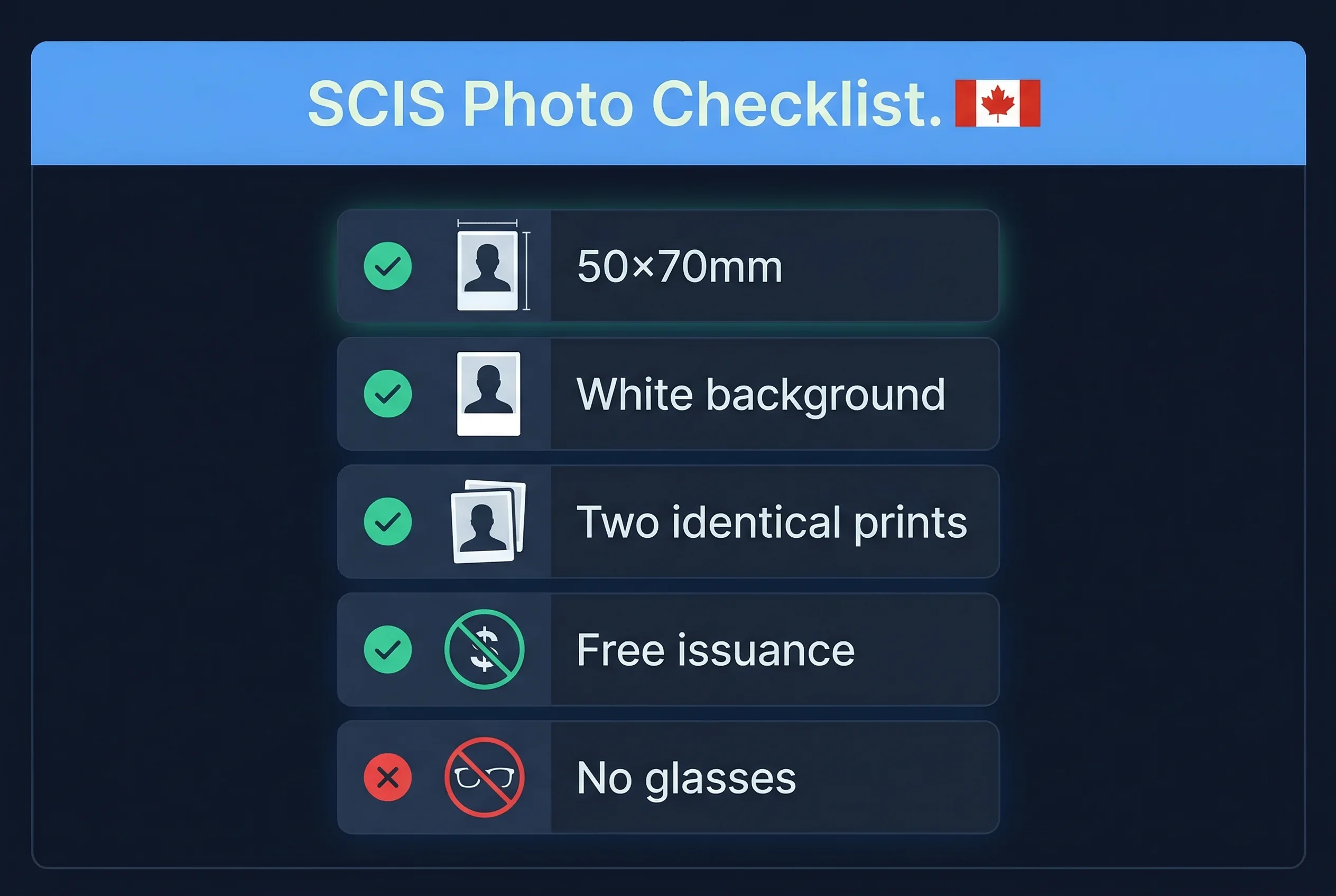
The Secure Certificate of Indian Status (SCIS) requires a 50×70mm photo — the same dimensions as a Canadian passport photo. Indigenous Services Canada administers the card, and the photo standard follows the Canadian passport specification. Two identical prints are required.
The SCIS replaced the older laminated status card in 2011. It's a secure, credit card–sized document issued to individuals registered under the Indian Act.
Secure Status Card (SCIS) Photo Specifications
| Requirement | Specification |
|---|---|
| Print size | 50×70mm |
| Digital size | 591×827 pixels |
| Resolution | 300 DPI |
| Background | White |
| Glasses | Allowed |
| Expression | Neutral |
| Head size | 31–36mm from chin to crown |
| Photos required | Two identical prints |
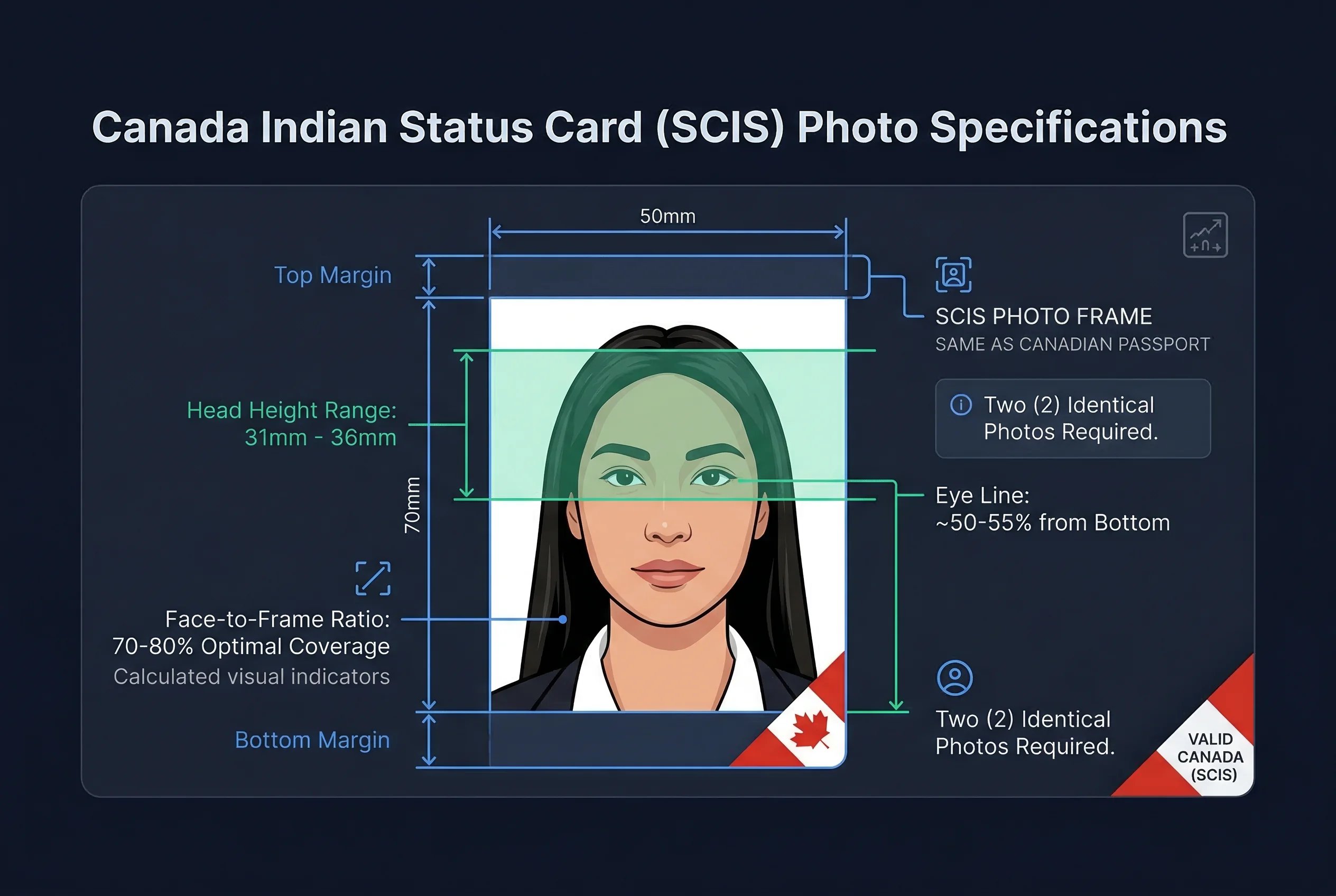
These are standard Canadian passport photo dimensions. If you've recently had passport photos taken and your appearance hasn't changed, those prints can be used for the SCIS application.
Get a compliant passport photo online
Who Is Eligible for a Secure Certificate of Indian Status?
The SCIS is issued to individuals who are registered under the Indian Act as members of a First Nation. Registration (also called "Indian Status") is administered by Indigenous Services Canada through the Indian Register.
You're eligible if:
- You are registered (or entitled to be registered) under the Indian Act
- You are applying for a first-time SCIS, or
- Your existing status card has expired or been lost
Band membership is separate from Indian Status. A person can have Indian Status without band membership, and vice versa. The SCIS reflects registration status — not band affiliation.
Children can also be issued an SCIS. For applicants under 15, the photo specs remain the same, though the head size in the photo will naturally reflect the child's proportions.
Applying for the SCIS Through Indigenous Services Canada
Applications are processed through Indigenous Services Canada (ISC). You submit a completed application form (SCIS-002 for adults, SCIS-001 for minors) along with:
- Two identical passport-size photos (50×70mm)
- Proof of identity (birth certificate, existing status card, or other government-issued ID)
- Proof of registration, if not already on file with ISC
Applications can be submitted by mail to the regional ISC office or, in some cases, through your First Nation's band office. Some band offices assist members with the application process and can review your photos before submission.
| Item | Detail |
|---|---|
| Application form | SCIS-002 (adults), SCIS-001 (minors) |
| Fee | Free |
| Processing time | 8–16 weeks |
| Validity | 10 years (adults); 5 years (minors under 15) |
| Issued by | Indigenous Services Canada |
SCIS Photo Requirements in Detail
The photo must be taken within the last six months. Both prints must be identical — from the same sitting, not two photos that look similar but were taken separately.
ISC follows the Canadian passport photo standard. Your photo must:
- Show your full face, front-facing, with eyes open and clearly visible
- Have a plain white background with no shadows, objects, or gradients
- Have even lighting — no harsh shadows on the face or from eyeglass frames
- Be printed on photo-quality paper, not regular inkjet paper
Glasses are permitted, but heavy frames or visible glare from lenses can cause a request for a new photo. When in doubt, remove them for the photo.
Religious head coverings are accepted when the full face remains visible. Hats and casual caps are not permitted.
SCIS Uses the Same 50×70mm Photo as the Canadian Passport
The Canadian passport and SCIS use identical photo specifications. This is by design — ISC adopted the Passport Canada standard when modernizing the SCIS.
If you're in a period where you need both documents, or if you're renewing your passport around the same time as your SCIS, one photo session covers both. Print two sheets of 50×70mm photos and you'll have enough for both applications.
The PR card uses the same 50×70mm format as well, though it's only relevant to permanent residents — not directly related to Indian Status.
Common SCIS Photo Issues and How to Fix Them
Photo rejected for shadows. The most common rejection. A white background with a shadow cast by the subject looks like a grey or coloured background in the photo. Shoot with the subject standing at least 1 metre from the wall, with lighting on both sides.
Head too small or too large. The 31–36mm head measurement (chin to crown) is strict. Photos taken with a phone at arm's length tend to make the head too small. Photos taken too close make it too large. A professional studio adjusts for this automatically.
Prints too light or too dark. Home-printed photos on non-photo paper often come out looking washed out or grey. Use photo-quality glossy paper and calibrate your printer before printing. Better yet, use a print kiosk or pharmacy printer.
Expired card and time-sensitive situations. If your SCIS has expired and you need it urgently for a medical benefit claim or federal program, contact your band office. Some band offices can issue a temporary letter confirming status while the card application is in process.
Verifying Your SCIS Photo Before You Apply
The passportsize-photo.online checker can verify head size, background compliance, and lighting quality against the Canadian passport spec — which is the same standard ISC uses for SCIS applications. Run the check before printing, particularly if you're shooting at home.
Professional passport photo services at pharmacies and Canada Post locations produce compliant 50×70mm prints. Tell the photographer it's for a Canadian status card or passport — the spec is identical. If you're shooting your own photo and want to verify it before printing, the Canadian passport photo guide covers every technical detail ISC checks.
Expression and Appearance Rules for SCIS Photos
- Neutral expression — mouth closed, no smile, no frown
- Eyes open — both eyes fully visible, looking directly at the camera
- Glasses permitted — clear prescription lenses allowed; no tinted, photochromic, or heavily framed lenses; no visible glare or reflections; remove glasses if in doubt
- Hair away from face — forehead and both eyes clearly visible
- Head coverings — religious head coverings permitted when full face remains visible from chin to forehead; hats and casual caps not allowed
- Clean, even lighting — no shadows on face or background; use lighting on both sides of the subject
- Printed on photo-quality paper — matte or glossy; home inkjet prints on regular paper are rejected
- Recent photo — taken within the last 6 months
Canadian Document Photo Comparison
| Document | Size | Background | Glasses | Smile |
|---|---|---|---|---|
| Secure Status Card (SCIS) | 50×70mm | White | Allowed | Not allowed |
| Canadian Passport | 50×70mm | White | Allowed | Not allowed |
| Citizenship Certificate | 50×70mm | White | Allowed | Not allowed |
| Firearms Licence | 45×57mm | White | Allowed | Not allowed |
The SCIS, passport, and citizenship certificate all share the same 50×70mm specification. One photo session covers all three if taken within 6 months. The firearms licence is slightly smaller at 45×57mm — do not substitute prints between these sizes.
Quick Checklist for SCIS Photo Submission
- Size: 50×70mm (two identical prints)
- Background: white, no shadows
- Expression: neutral, mouth closed
- Glasses: clear lenses only, no glare
- Head height: 31–36mm chin to crown
- Photo taken within 6 months
- Printed on photo-quality paper
- Application form completed (SCIS-002 adults / SCIS-001 minors)
- Supporting identity documents ready