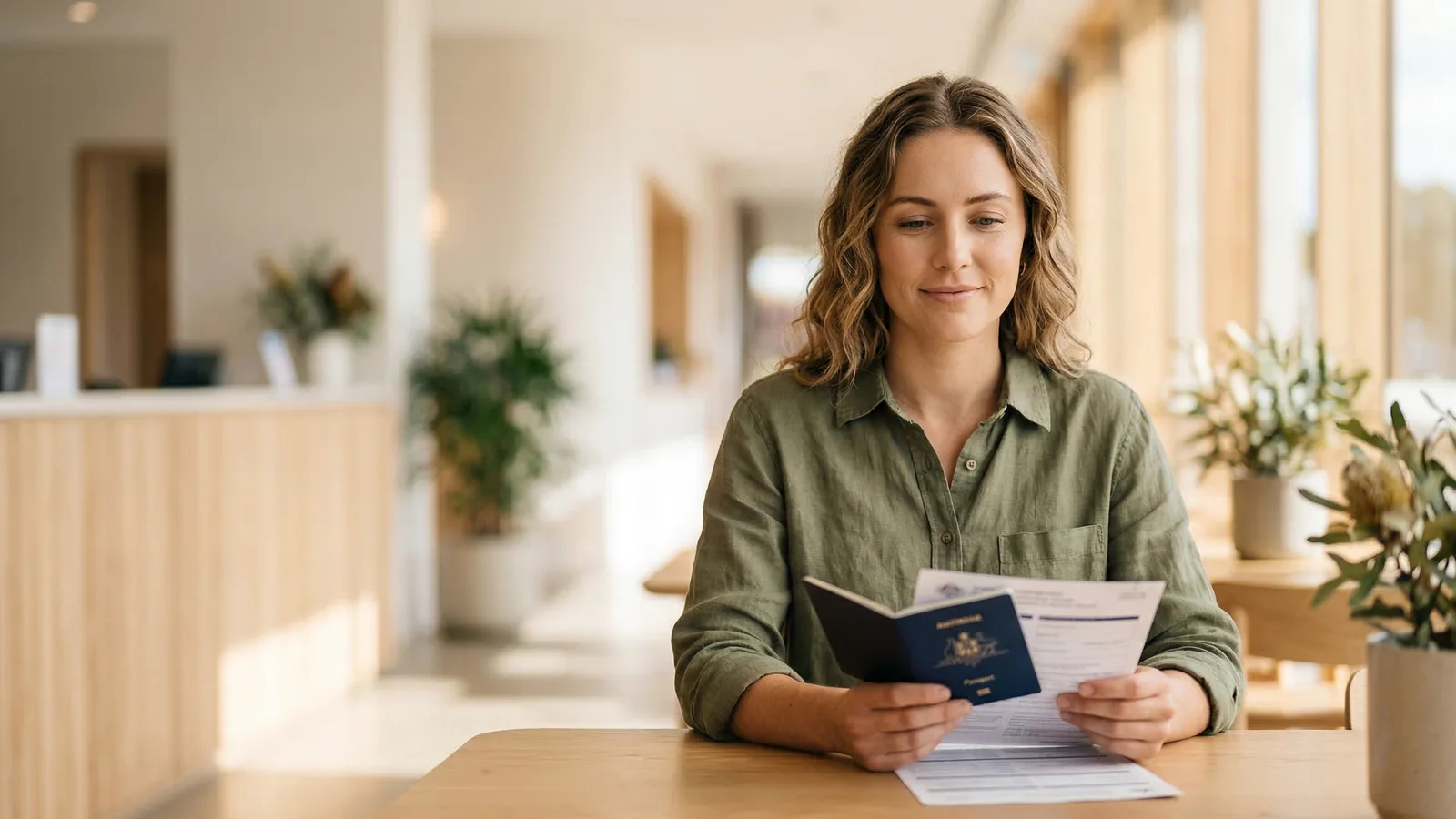
Australia requires a plain white background for passport photos. The Department of Foreign Affairs and Trade (DFAT) specifies a uniform white background with no patterns, gradients, textures, or shadows. Getting this right is one of the most common challenges, especially for DIY photos at home.
The Exact Background Rule for Australian Passport Photos
The background must be:
- White (#FFFFFF) — pure white, not off-white, cream, or ivory
- Uniform — the same shade from edge to edge
- Smooth — no visible texture, grain, or pattern
- Shadow-free — no shadows from your head, body, or hair
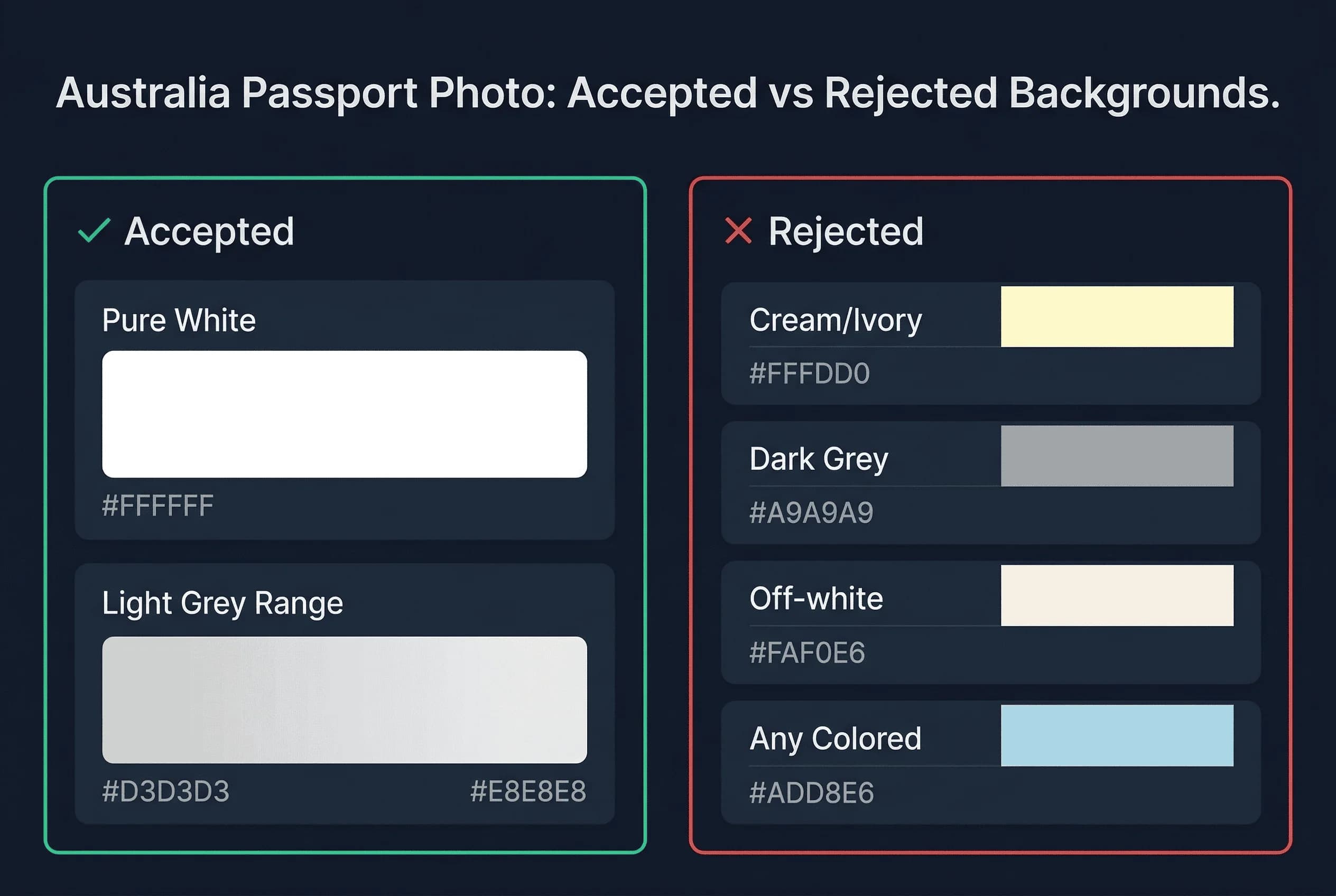
The background requirement applies to both printed photos and digital uploads through the Australian Passport Office portal.
Get a compliant passport photo online
What Backgrounds Fail and Why for Australian Photos
Off-white and cream. Walls that look white to your eye often photograph as cream or pale yellow under warm indoor lighting. This is the single most common background rejection.
Shadows. Standing too close to the wall casts a body shadow behind you. Your head shadow is especially problematic — it creates a dark halo that automated systems flag immediately.
Gradients. Single overhead lighting makes the background darker at the bottom and lighter at the top. The system expects uniform colour across the entire frame.
Textured walls. Exposed brick, stucco, wallpaper patterns, and even slightly rough plaster create visible texture. Smooth surfaces only.
Background too small. The background material must extend well beyond the edges of the photo frame. If the edge of a foam board or sheet appears in the photo, it will be rejected.
Coloured walls. Pale blue, pale green, and other "nearly white" colours fail. The system detects any colour tint.
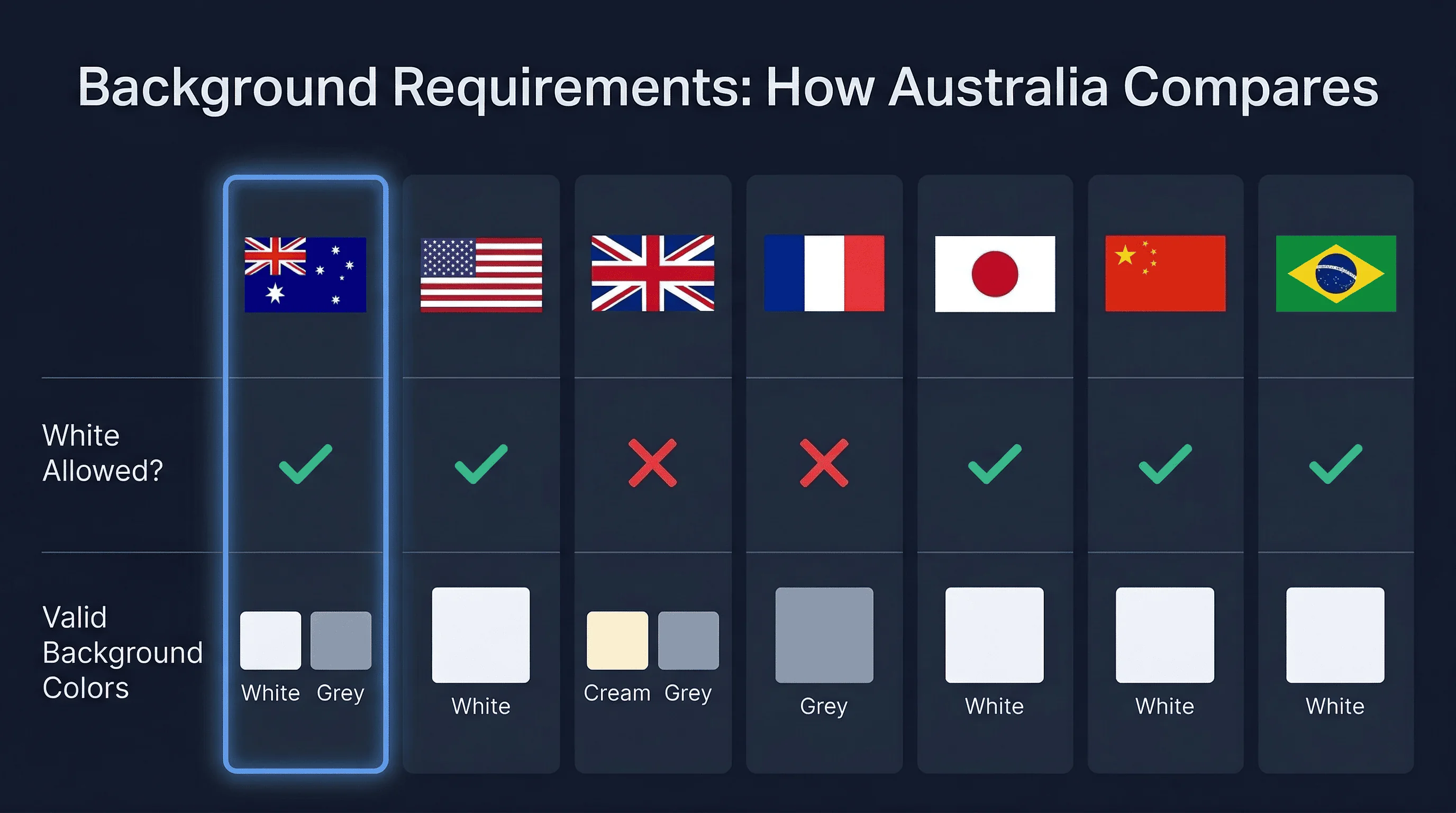
Australian Passport Photo Background vs Other Countries
| Country | Background | Notes |
|---|---|---|
| Australia | White | Plain white, no texture |
| United States | White | Same as Australia |
| Japan | White | Same as Australia |
| China | White | Same as Australia |
| India | White | Same as Australia |
| France | White | Same as Australia |
| Germany | Light grey | Different — 230,230,230 |
| United Kingdom | Light grey | Different — 230,230,230 |
| New Zealand | White | Same as Australia |
| Brazil | White | Same as Australia |
Australia shares its white background requirement with the majority of countries. If you have a compliant white background photo for the US, Japan, France, or New Zealand, the background colour will also work for Australia (though you must still check size and other rules separately). Photos taken against a light grey background for Germany or the UK will not pass Australian requirements.
How to Get a White Passport Photo Background at Home
The White Wall Method for Passport Photos
The simplest approach is to use a plain white wall in your home.
- Find a smooth white wall. Interior walls painted in flat white or matte white work best. Avoid semi-gloss or gloss finishes — they reflect light unevenly.
- Stand 40–60cm away from the wall. This gap eliminates your shadow. The further you stand, the softer any remaining shadow becomes.
- Use two light sources. Place one lamp at roughly 45 degrees to your left and another at 45 degrees to your right. This cross-lighting cancels out shadows on both sides.
- Use daylight bulbs. 5000K–5500K colour temperature ("daylight" labelled bulbs) produces a neutral white that doesn't add yellow or blue tints. LED bulbs rated at 60-watt equivalent are sufficient.
- Check the result. Open the photo on a computer screen (not your phone — phone screens can be misleading). The background should look uniformly white across the entire frame.
The Foam Board Method for Passport Photos
If your walls aren't white or have texture, use a large white foam board from an office supply or art store. Sizes of 600mm × 900mm or larger work well. Prop the board behind you and light it evenly. Foam board produces a perfectly smooth, matte white surface.
The Paper Roll Method for Passport Photos
Professional photographers use white paper rolls (seamless background paper). A 1.35m-wide roll provides enough coverage. Mount it on a curtain rod or two chairs and let it curve down behind you. This eliminates the visible seam where wall meets floor.
Professional Studio Lighting for Australian Photos
Studios in Australia typically use two or three lights:
- Two softboxes at 45 degrees on either side of the subject — these provide even face illumination and eliminate facial shadows
- One background light aimed directly at the background — this ensures the white stays white and eliminates any grey caused by distance from the key lights
If you only have two lights, aim them slightly behind the subject so they illuminate both the face and the background. Avoid pointing lights directly at the camera.
The goal is flat, even illumination. No hot spots. No dark corners. The background should measure within a few RGB values of pure white at every point.
What Happens When Australia Rejects Your Background
The Australian Passport Office notifies you by email. You must resubmit a new photo. This typically adds two to three weeks to processing time.
Common rejection triggers:
- Visible shadow behind the head
- Background that photographs as cream, off-white, or pale grey
- Visible texture in the background material
- Uneven illumination causing a gradient
- Background edge or seam visible in the frame
To avoid delays, verify your photo before submitting. Open it on a computer screen and zoom into the background areas. If you can see any variation in shade, shadow, or colour, retake the photo.
The Shadow Problem in Australian Passport Photos
Shadows are the number-one background issue in DIY passport photos. When you stand directly against a wall, your body casts a hard shadow that is impossible to eliminate with lighting alone. Even professional studios cannot fully remove a shadow when the subject is pressed against the background.
The fix is simple: stand 40–60cm away from the wall. This physical gap between you and the background gives the shadow space to fall below the frame or diffuse to near-invisibility.
If you still see a faint shadow, add a third light source aimed at the background from below or the side. This fills in the remaining shadow.
Common Australian Passport Photo Background Mistakes
Using a phone flash. The built-in flash creates harsh, direct light that casts a strong shadow directly behind your head. Disable the flash and use room lighting or natural light instead.
Yellow lighting. Standard incandescent bulbs (2700K–3000K) cast warm yellow light that makes white backgrounds appear cream. Switch to daylight bulbs (5000K+) or shoot near a window during the day.
Overexposing the background. While a bright background is better than a dark one, extreme overexposure blows out detail and can create a glow around your head. The background should be white, not blindingly bright.
Editing the background in software. Some applicants try to digitally replace or clean up the background. Minor brightness/contrast adjustments are generally fine, but aggressive editing (cloning, masking, background replacement) can create artefacts that automated systems detect.
Using a bedsheet. Fabric backgrounds wrinkle and crease, creating visible shadows and texture. If you must use fabric, stretch it taut across a frame and iron it completely flat beforehand.
Verifying Your Australian Passport Photo Background
Before submitting, check:
- Background is white across the entire frame (no cream, no grey)
- No visible shadows anywhere behind you
- No texture, pattern, or seam visible
- Background extends beyond all edges of the photo
- Lighting is even from top to bottom, left to right
Use our passport photo checker to validate your background before submitting. For complete Australian passport photo requirements, see the Australia passport photo hub.